44
EN
2
Recording
Recording
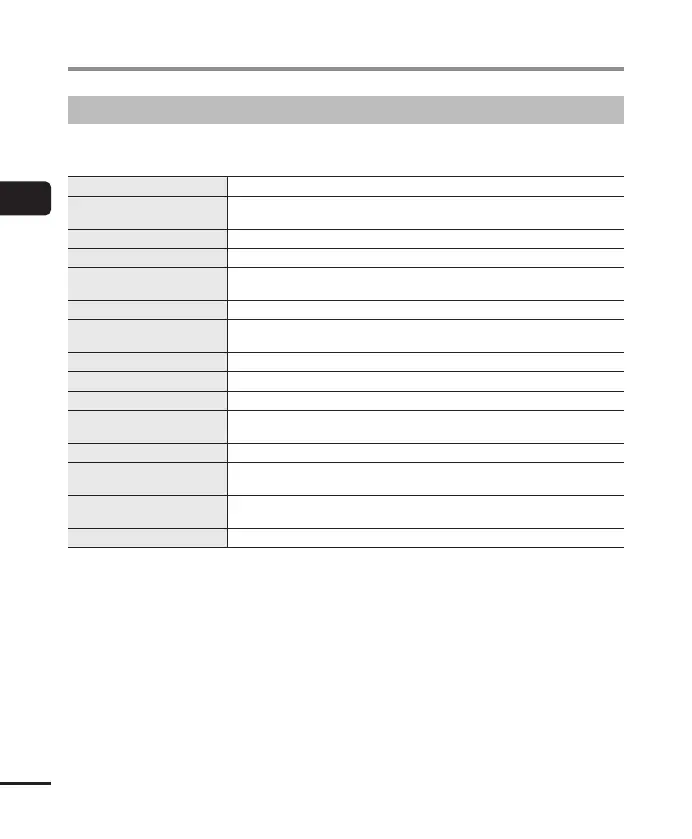
Recording menu
Various recording settings are available, letting you tailor recording to different recording
conditions.
[Rec Level] (☞ P.84)
Sets the recording level.
[Limiter] (☞ P.85)
Choose whether the recorder automatically limits distortion if the
maximum input level is exceeded during recording.
[Rec Mode] (☞ P.85)
Sets the recording sound quality.
[Zoom Mic] (☞ P.86)
Sets the built-in stereo microphone’s directivity.
[Low Cut Filter] (☞ P.87)
Reduces humming sounds from equipment such as air-conditioners or
projectors.
[Bright Sound] (☞ P.87)
Create recordings with bright, clear sound.
[Rec Scene] (☞ P.47)
Choose from several combinations of settings suited to particular
surroundings or conditions.
[Rec Monitor] (☞ P.88)
Disable output of the recording monitor sound.
[External Input] (☞ P.53)
Choose the type of connector connected to the microphone/line jack.
[Timer Rec] (☞ P.118)
Adjust timed recording settings.
[Rec Standby] (☞ P.89)
Choose whether pressing the REC( s) button switches the recorder to
standby mode so that the recording level can be adjusted.
[Fn Rec] (☞ P.121)
Choose the recording option assigned to the F2 button.
[V-Sync. Time] (☞ P.93)
Choose how long recording continues after the input volume falls below
the level selected for [V-Sync. Rec] (☞ P. 89).
[Slate Tone] (☞ P.126)
Emit and record a slate tone for use as a reference during movie
recording.
[Test Tone] (☞ P.129)
Preview volume settings by emitting a test tone at a selected volume.


 To Next Page