6-4 CT PC E-Box
Remove/Replace the Hard Drive
OmniRx Service Guide/67-2023 Rev F © 2011 Omnicell, Inc.
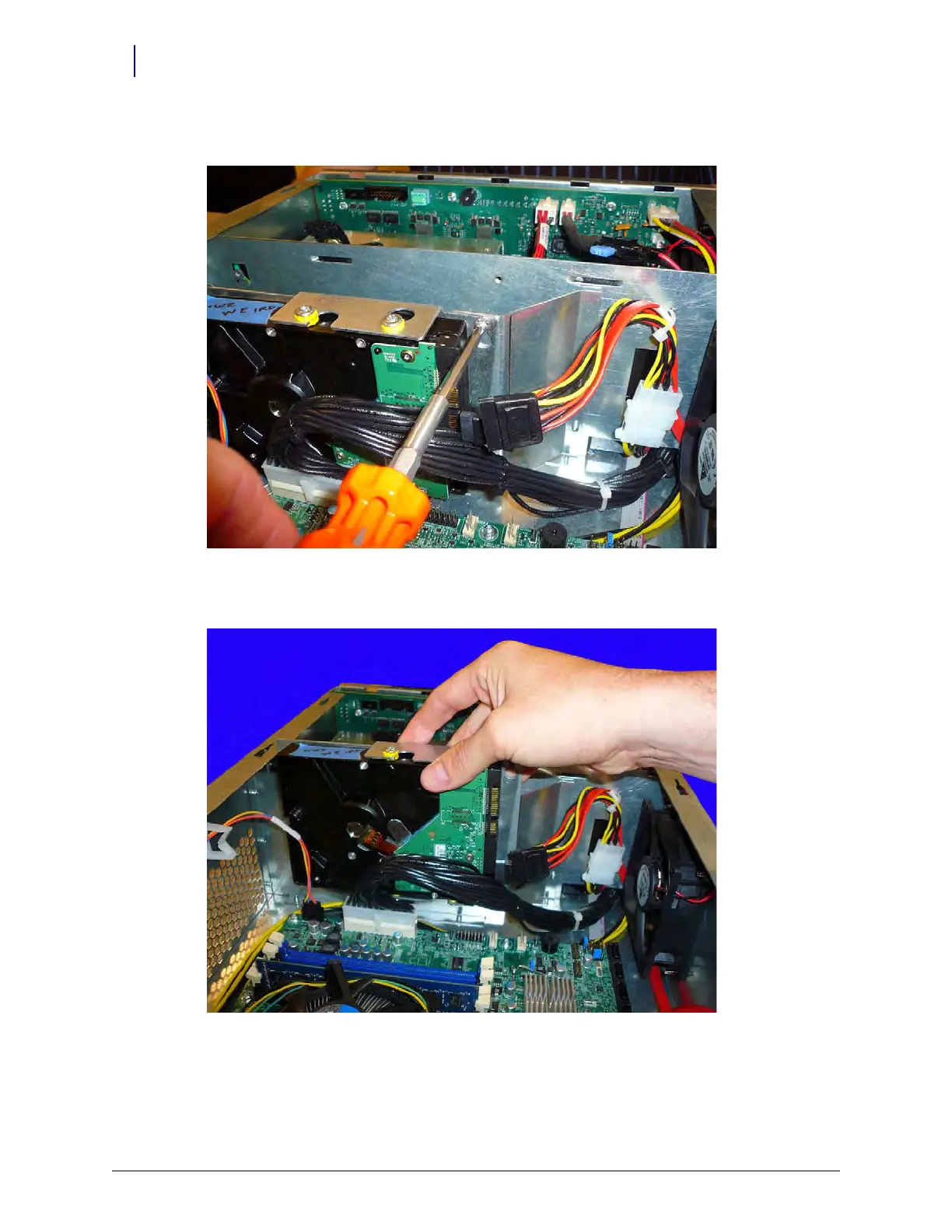
2. Loosen but do not remove the screw that connects the hard drive plate to the E-Box wall.
Figure 6-4. Loosen the screw that secures the hard drive to the E-Box wall
3. Lift the hard drive up, pull it away from the drive all, and remove it from the E-Box.
Figure 6-5. Remove the hard drive



 To Next Page