6-18 CT PC E-Box
Remove/Replace the Power Supply
OmniRx Service Guide/67-2023 Rev F © 2011 Omnicell, Inc.
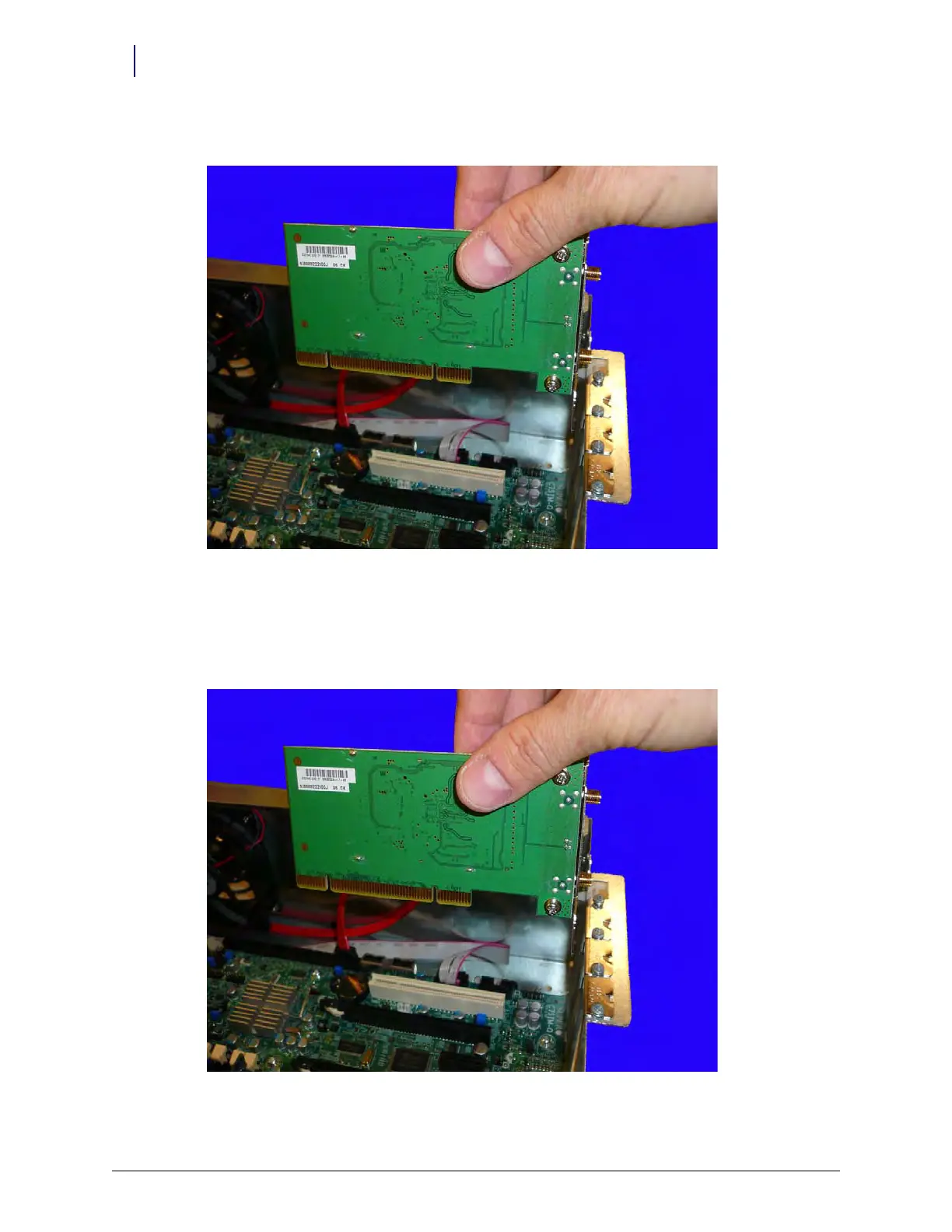
2. Lift the wireless card from the E-Box.
Figure 6-27. Remove the wireless card from the E-Box
Replace the wireless
c
a
rd
1. Place the wireless card into the E-Box, ensuring that it fits snugly into the slot on the
motherboard.
Figure 6-28. Replace the wireless card



 To Next Page