4-18 OmniRx G4 Console Upgrade
Add the G4 Console
OmniRx Service Guide/67-2023 Rev F © 2011 Omnicell, Inc.
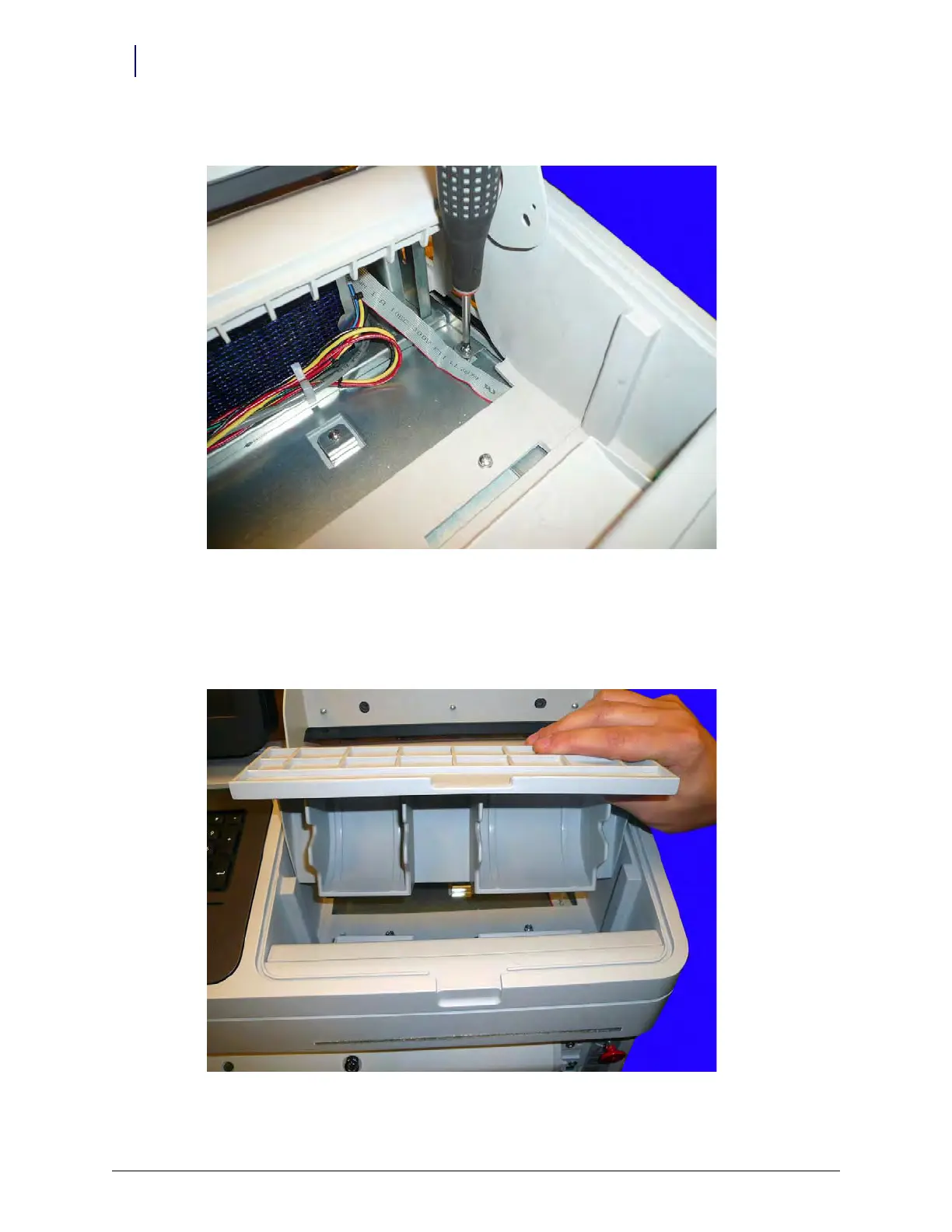
4. Add the two screws in the printer bay that secure the console to the frame.
Figure 4-29. Secure the console to the frame
Insert Printer Shelf
1. Load the shelf into the printer bay, as shown in Figure 4-30. Place the bottom side in first and
then roll the top half back toward the rear of the printer bay opening.
Figure 4-30. Load printer shelf into the bay



 To Next Page