6-10 CT PC E-Box
Remove/Replace the Battery
OmniRx Service Guide/67-2023 Rev F © 2011 Omnicell, Inc.
Remove/Replace the
Ba
tter
y
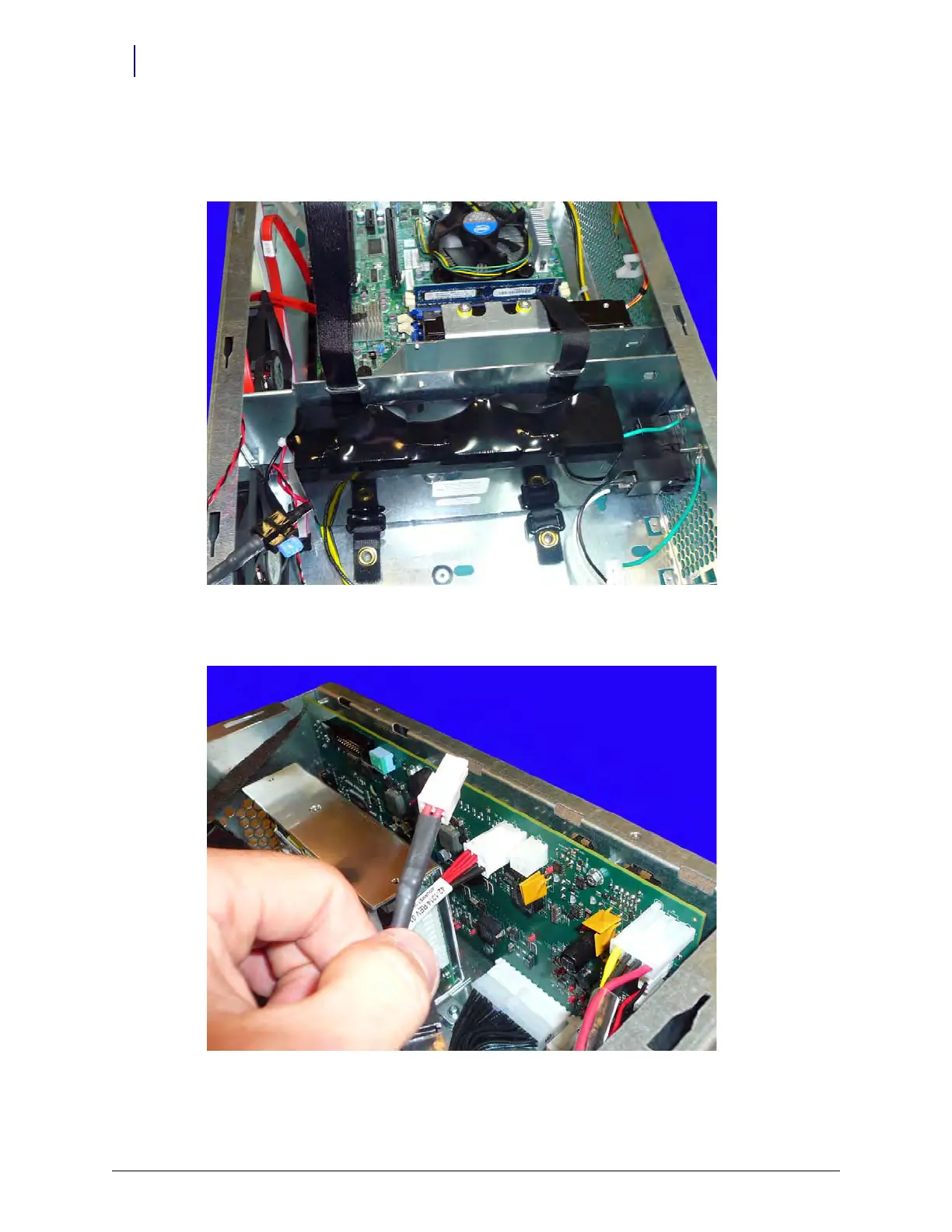
1. Remove the velcro straps that secure the battery to the E-Box frame.
Figure 6-13. Remove the velcro straps that secure the battery to the E-Box frame
2. Disconnect the cable that connects the battery to the PowerCom4 board.
Figure 6-14. Disconnect the cable that connects the battery to the PowerCom4 board
3. Remove the battery from the E-Box.



 To Next Page