© 2011 Omnicell, Inc. OmniRx Service Guide/67-2023 Rev F
5-1
OmniRX G4 Service Guide
Introduction
This section will describe how to remove and replace the FRU-level parts in an OmniRx with G4
components installed, including the E-Box, the monitor, the keyboard and the printers.
Remove the OmniRx Lid
1. Perform a graceful shutdown of the OmniRx.
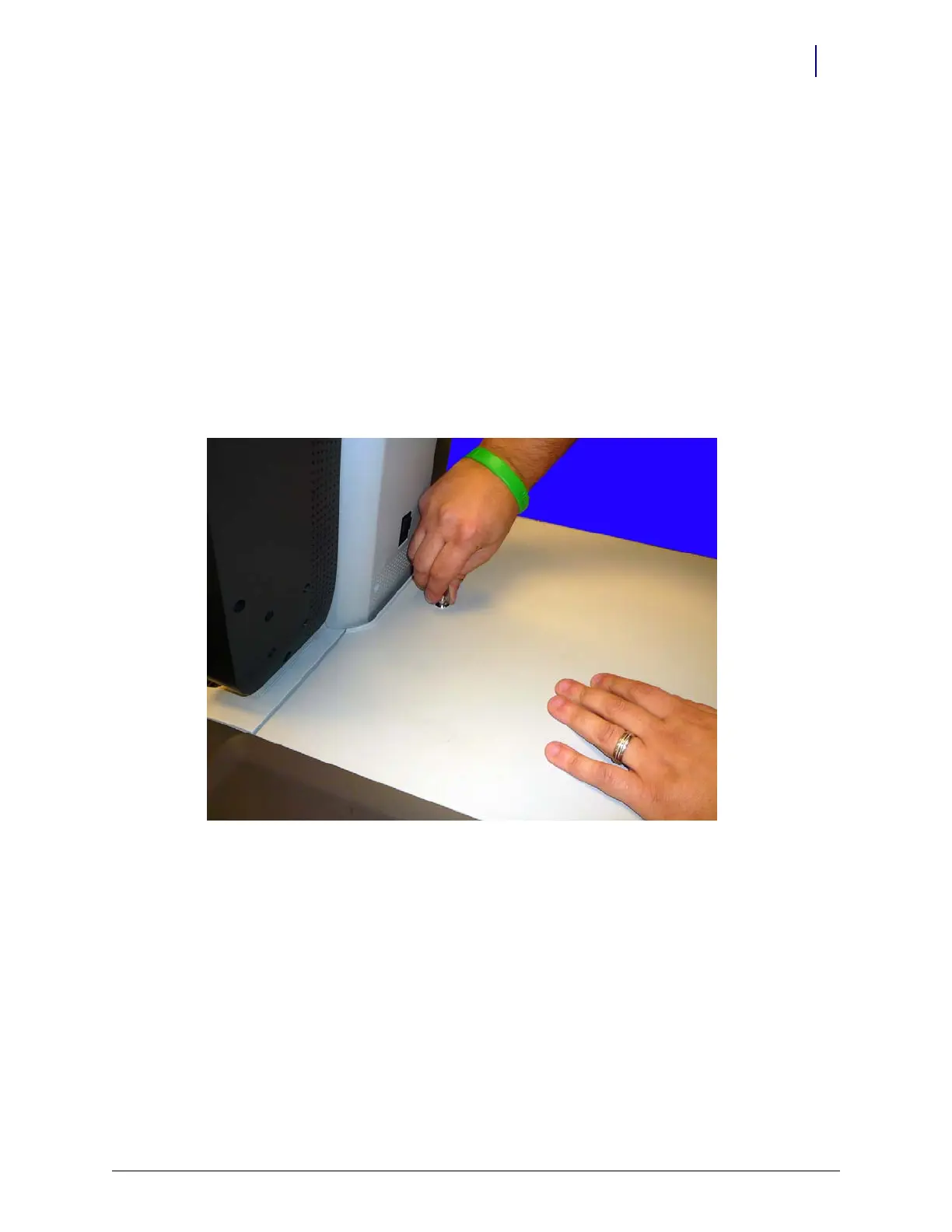
2. Use key #2378 to unlock the lid.
Figure 5-1. Unlock the lid



 To Next Page