5-10 OmniRX G4 Service Guide
Introduction
OmniRx Service Guide/67-2023 Rev F © 2011 Omnicell, Inc.
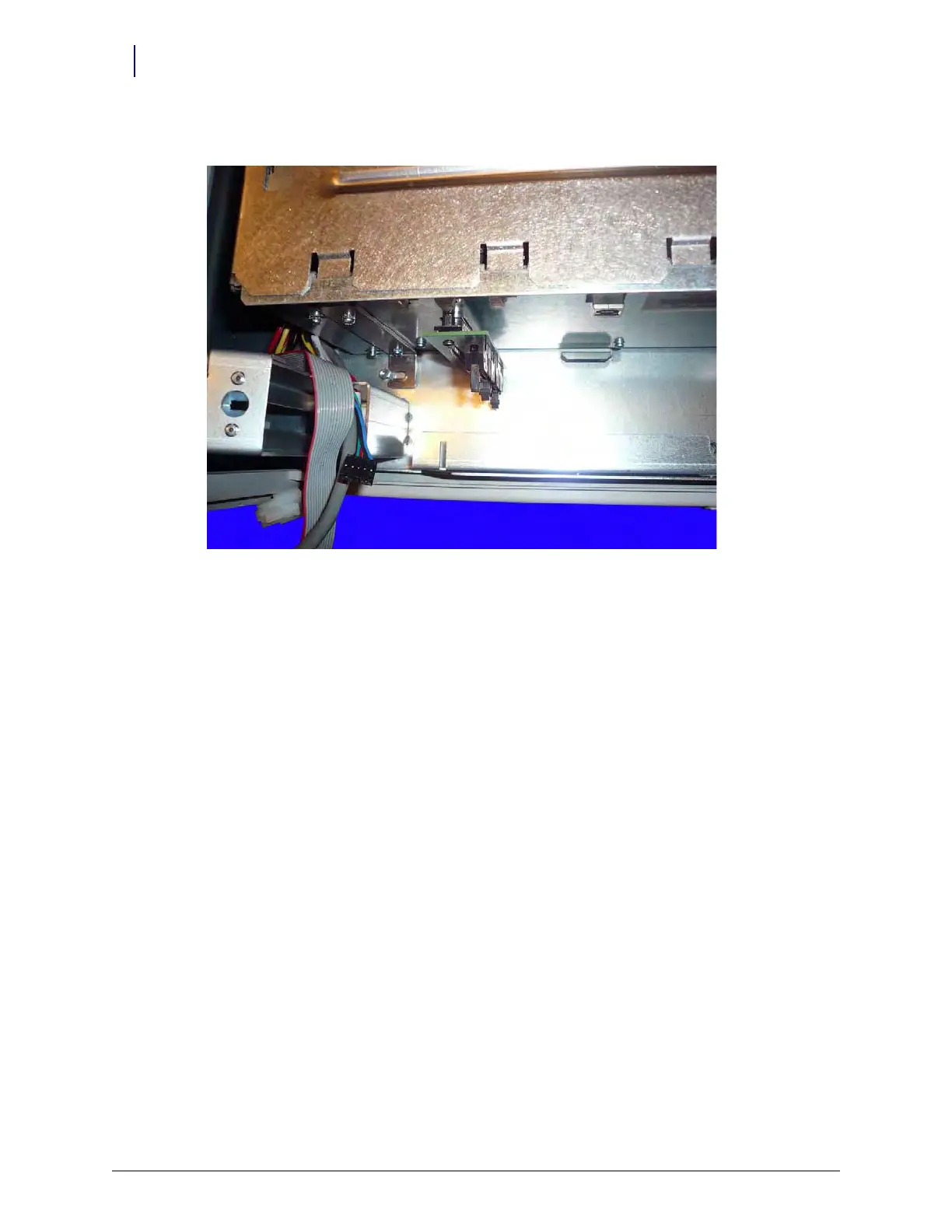
6. Slide the E-Box back toward the rear of the OmniRx to free the brackets from the bolts.
Figure 5-15. Slide the E-Box back
7. Lift the E-Box and remove it from the OmniRx.
Remove the Printer Bay
1. Open the printer door.



 To Next Page