© 2011 Omnicell, Inc. OmniRx Service Guide/67-2023 Rev F
OmniRx G4 Console Upgrade 4-15
Add the G4 Console
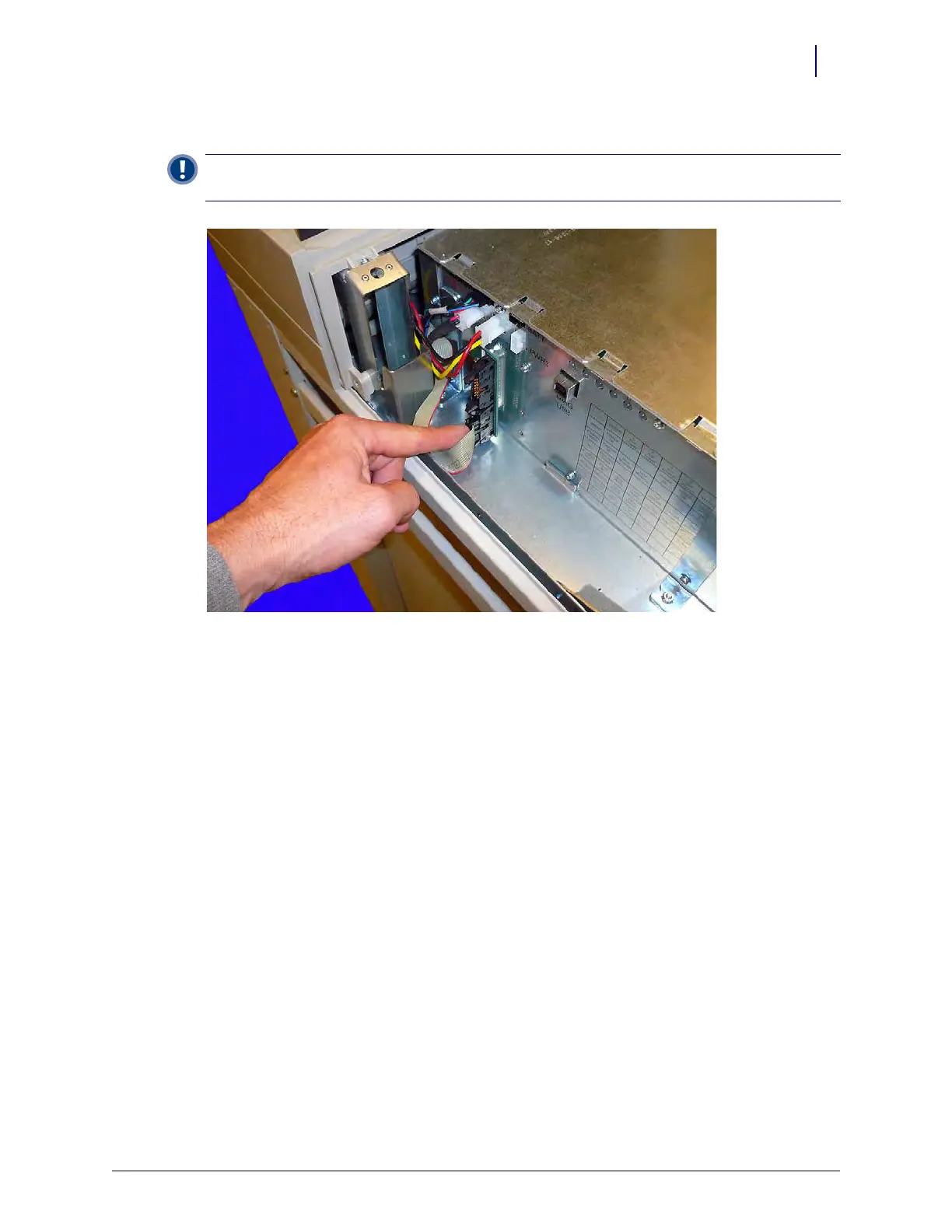
5. Connect the wireway cable to the cable adapter card on the side of the eBox.
Figure 4-24. Connect the wireway cable to the adapter card on the eBox
Secure the Console to the OmniRx frame
Once the eBox cables are securely connected, the next step will be to secure the G4 console to the
OmniRx frame. There are two screws and two fasteners that need to be tightened to secure the
console to the frame.
Important:
The wireway cable connector is notched on one side and the wireway card connection has a
cutout for that notch. Align the notch on the cable connector with the card connection to connect the cable.



 To Next Page