4-14 OmniRx G4 Console Upgrade
Add the G4 Console
OmniRx Service Guide/67-2023 Rev F © 2011 Omnicell, Inc.
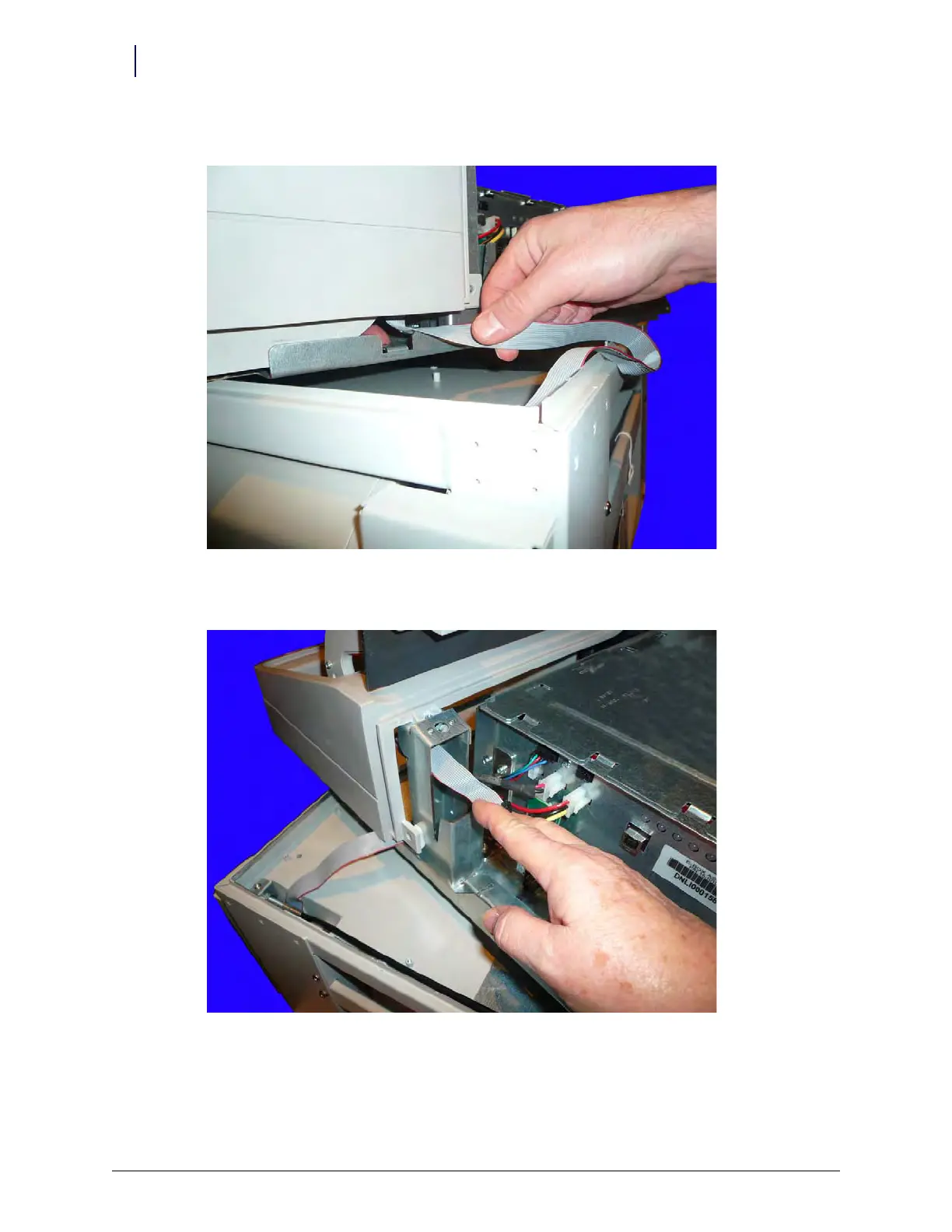
2. Feed the wireway cable through the side of the console frame.
Figure 4-22. Feed the wireway cable through the side of the G4 sled
3. Pull the wireway cable through the rear of the console opening.
Figure 4-23. Pull the wireway cable through the rear of the sled
4. Align the ebox with the top of the OmniRx frame. Pull the wireway cable taut while aligning
system to ensure that it does not get pinched by the new sled.



 To Next Page