5-32 OmniRX G4 Service Guide
Replace the E-Box
OmniRx Service Guide/67-2023 Rev F © 2011 Omnicell, Inc.
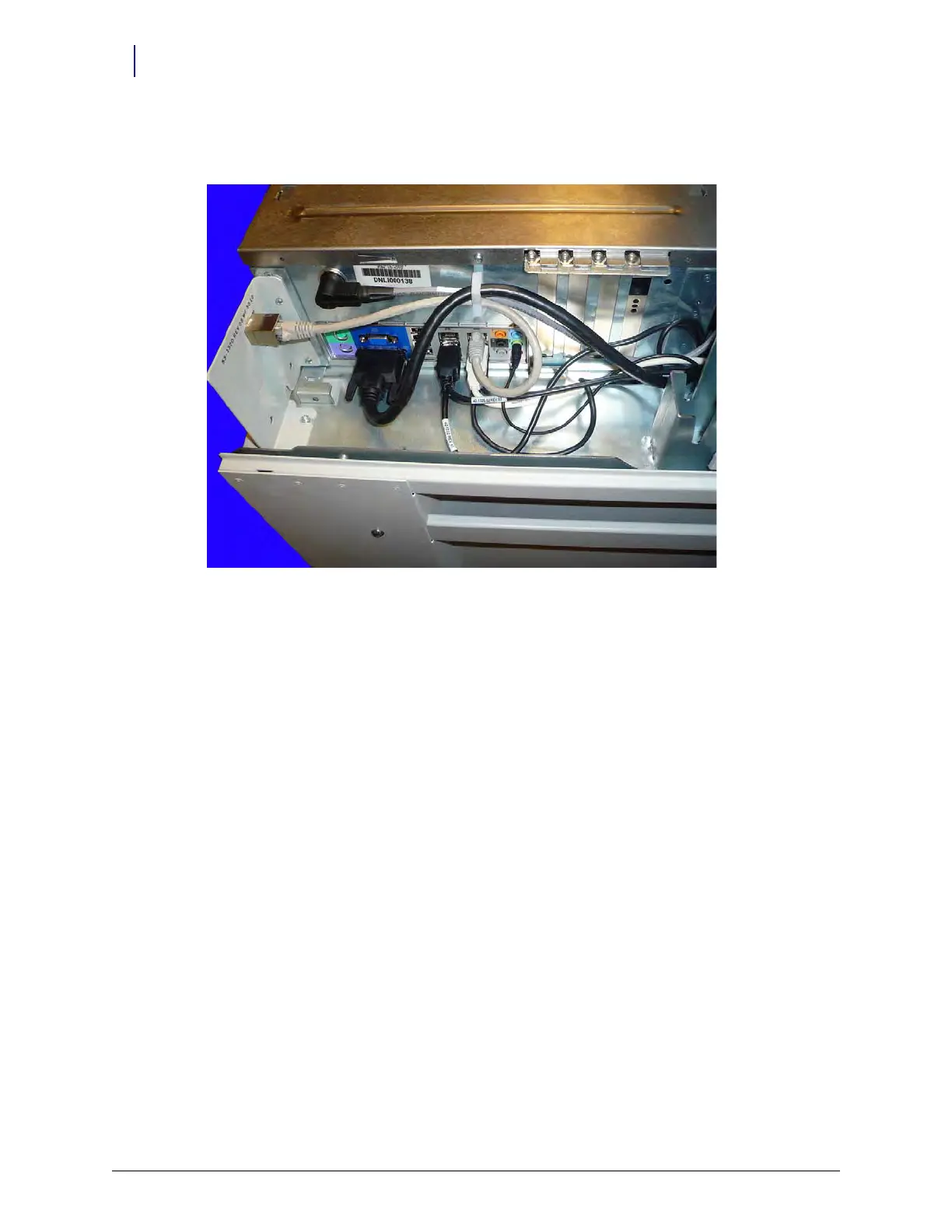
10. Connect one end of the peripheral extension cable to the E-Box and the other end to the strain
relief connector.
Figure 5-53. Connect the peripheral extension cable
Replace the OmniRx Lid
Once the G4 console and the E-Box are successfully installed, the OmniRx lid needs to be
installed.



 To Next Page