© 2011 Omnicell, Inc. OmniRx Service Guide/67-2023 Rev F
Electronics Sled 1-3
Speaker Removal
Speaker Removal
1. Lift the console from the rear and prop it up if it is not already open.
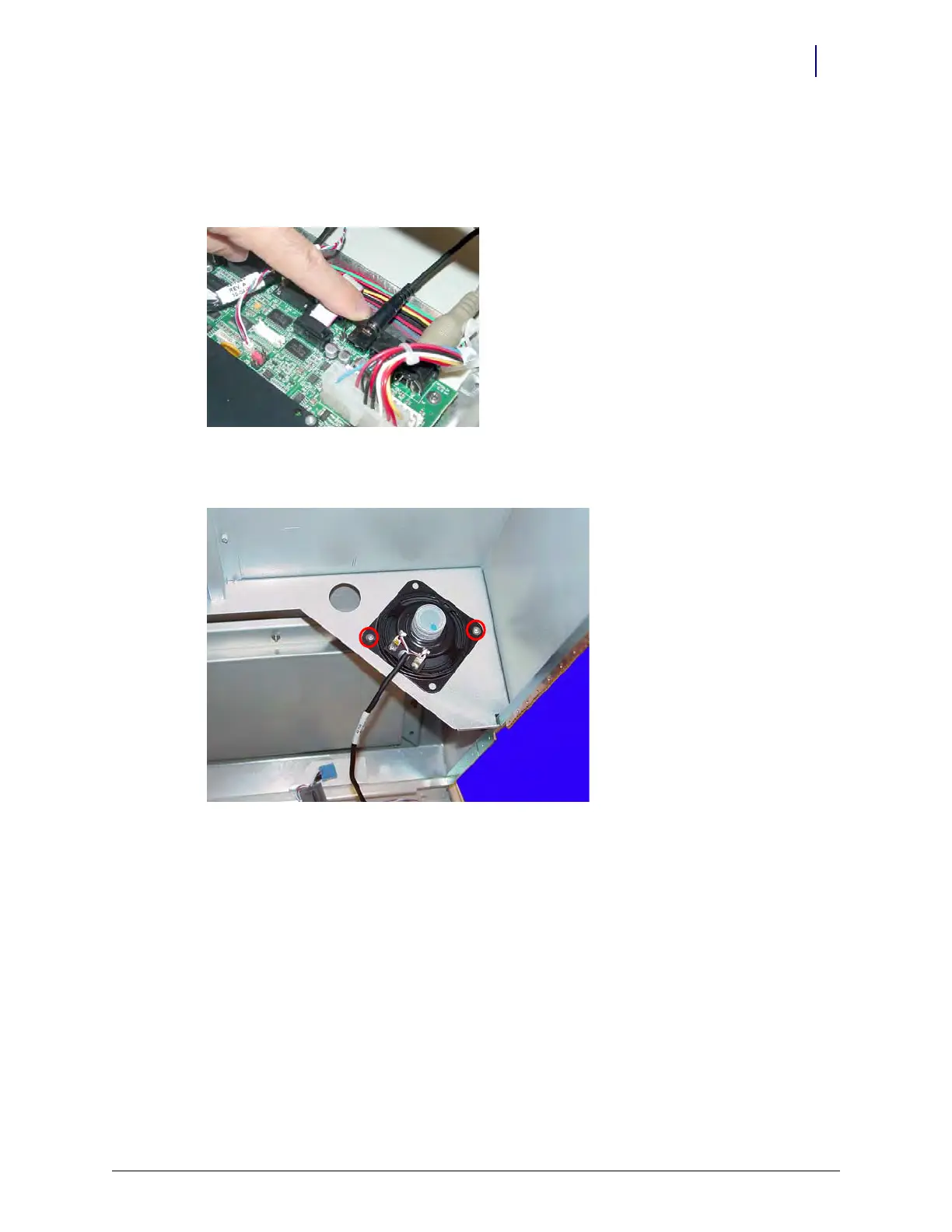
2. Disconnect the speaker cable from the motherboard.
Figure 1-4. Disconnect the speaker cable from the motherboard
3. Remove the two screws that hold the speaker in place using a Torx T10 screwdriver.
Figure 1-5. Remove the speaker
4. Disconnect the speaker from the console top.



 To Next Page