© 2011 Omnicell, Inc. OmniRx Service Guide/67-2023 Rev F
OmniRX G4 Service Guide 5-7
Introduction
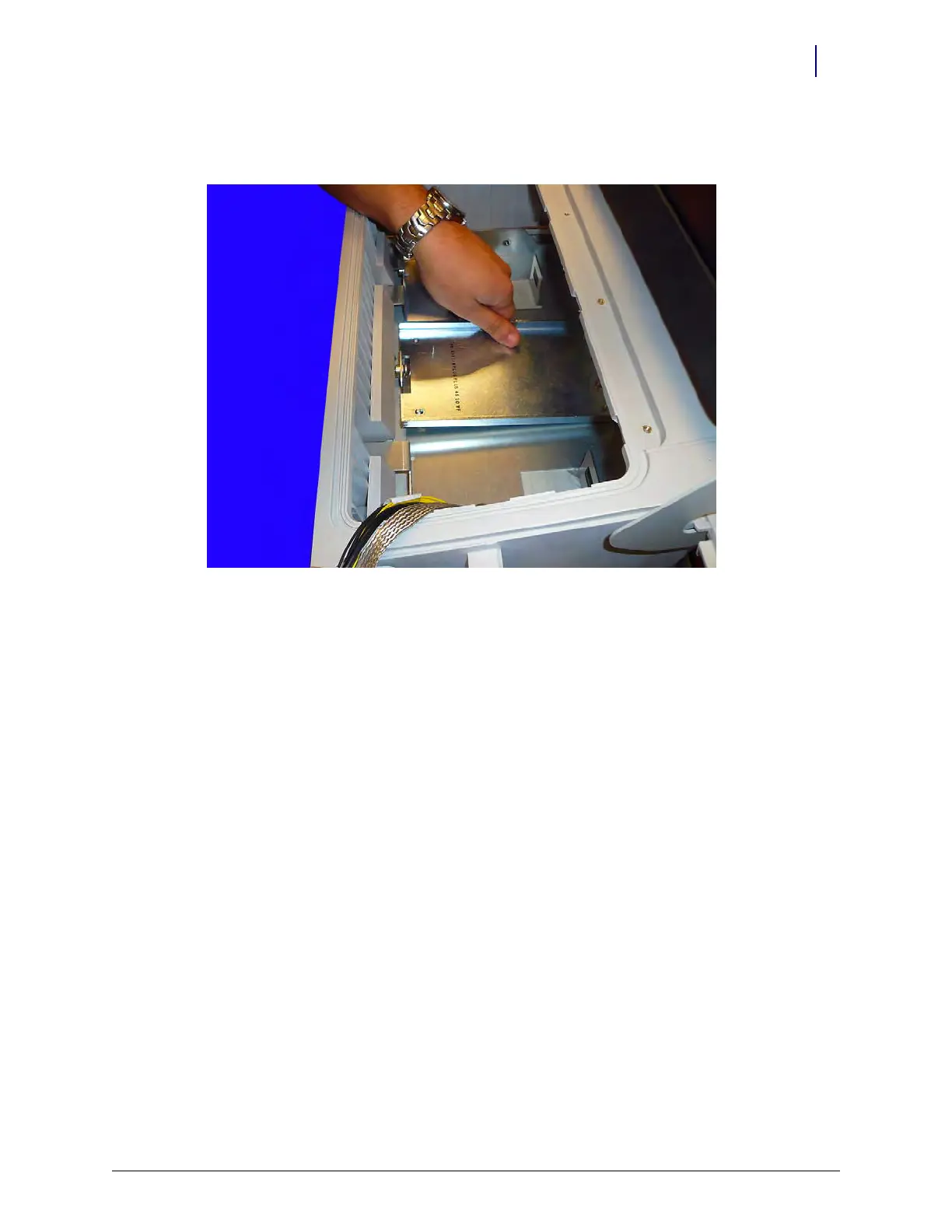
3. Reach down and lift the monitor up from the base and move it back toward the back of the
OmniRx.
Figure 5-10. Align the monitor stand
4. Lift the AIO up and out of the OmniRx.
Remove the E-Box
1. Disconnect any remaining USB and audio cables from the E-Box.



 To Next Page