© 2011 Omnicell, Inc. OmniRx Service Guide/67-2023 Rev F
Electronics Sled 1-11
Keyboard Service
PS/2 Keyboard
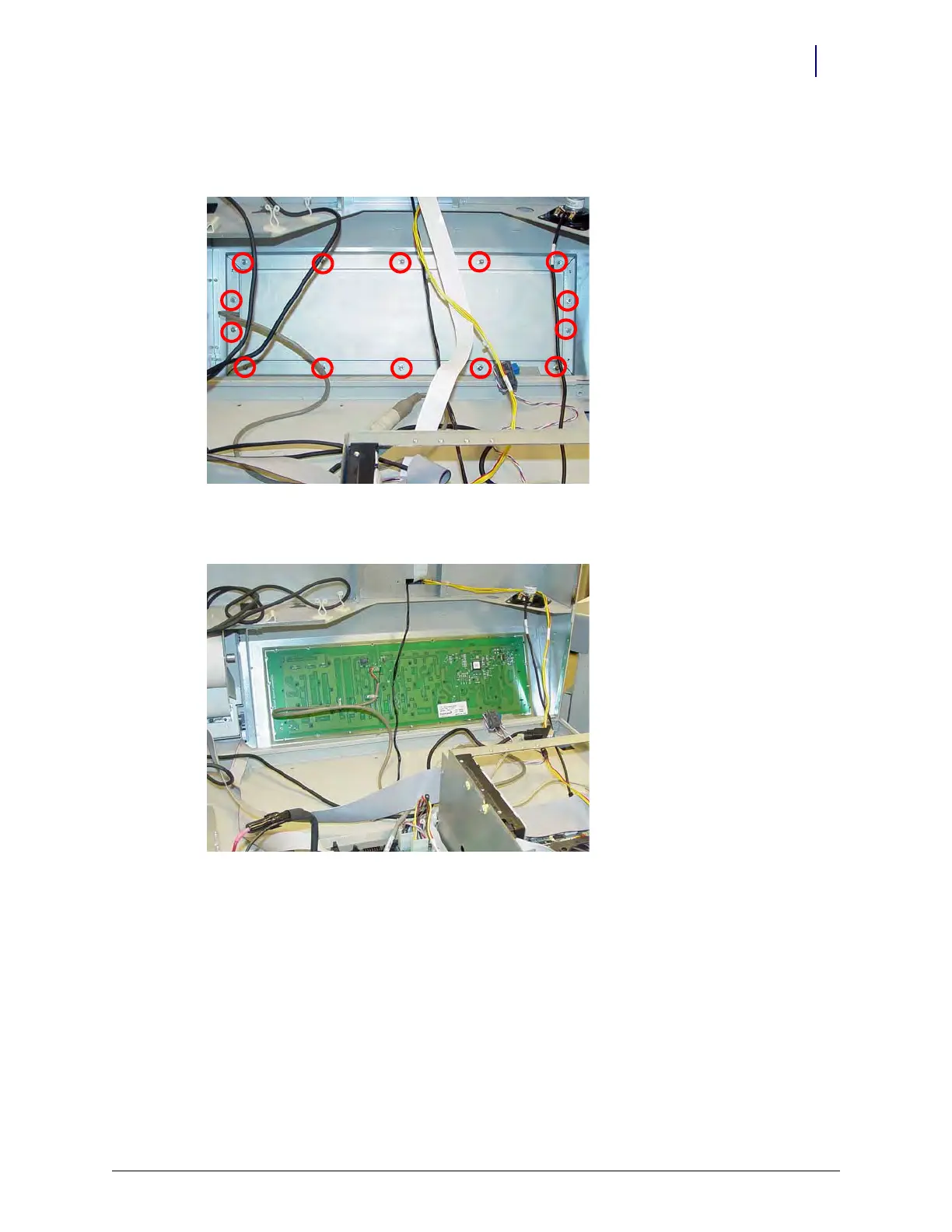
1. Remove the 14 nuts that secure the keyboard cover to the tray.
Figure 1-20. Remove the nuts that secure the keyboard cover to the tray
2. Remove the keyboard cover.
Figure 1-21. Remove the keyboard cover
3. Remove the keyboard from the tray.



 To Next Page