© 2011 Omnicell, Inc. OmniRx Service Guide/67-2023 Rev F
OmniRx G4 Console Upgrade 4-9
Prepare the OmniRx for Install of the G4
Prepare the OmniRx for Install of the G4
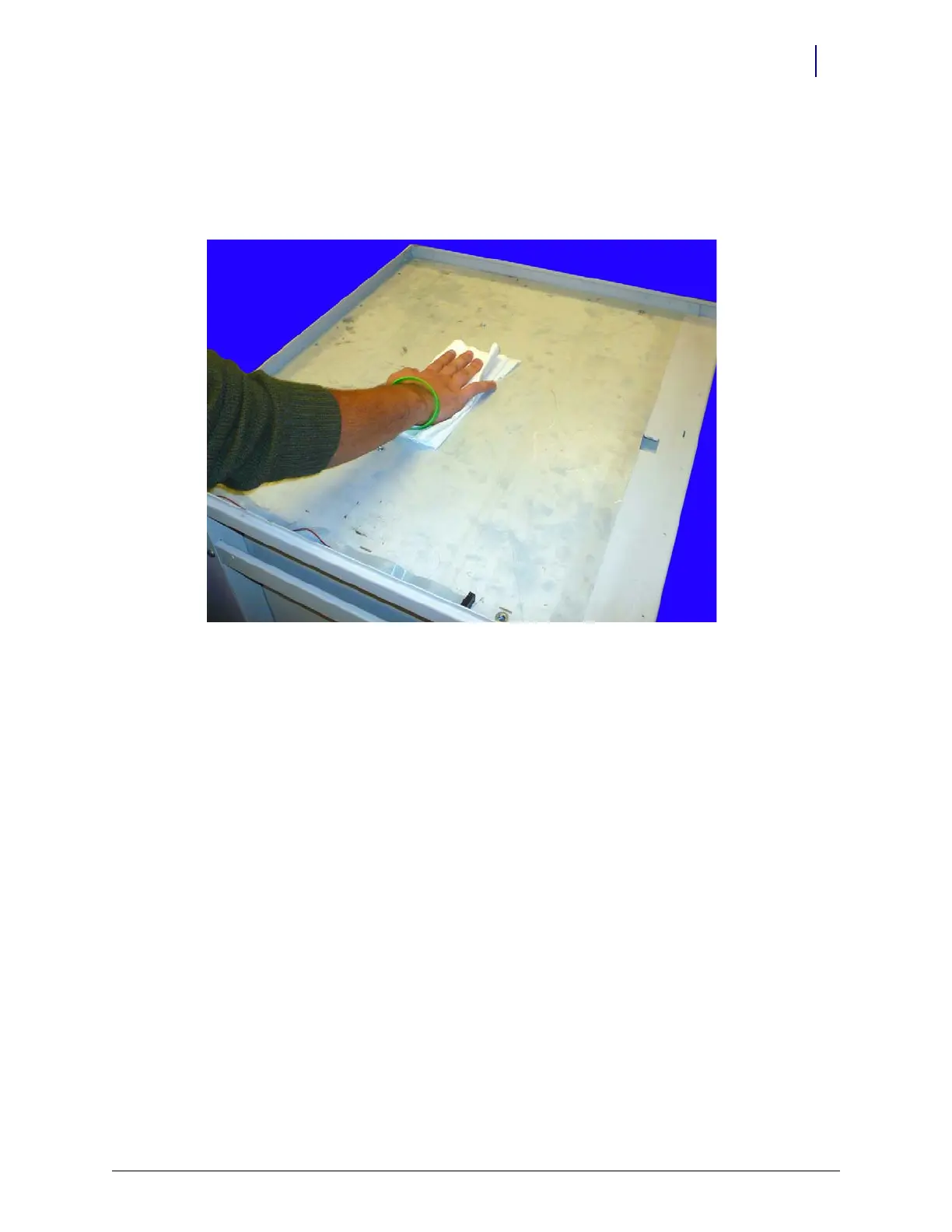
1. Clean the exposed OmniRx surface. Ensure that the surface is flat and smooth. Remove any
large objects from the surface. Use a towel to wipe off any dust or small objects that may have
been left behind.
Figure 4-14. Clean the OmniRx surface



 To Next Page