© 2011 Omnicell, Inc. OmniRx Service Guide/67-2023 Rev F
OmniRx G4 Console Upgrade 4-19
Add the G4 Console
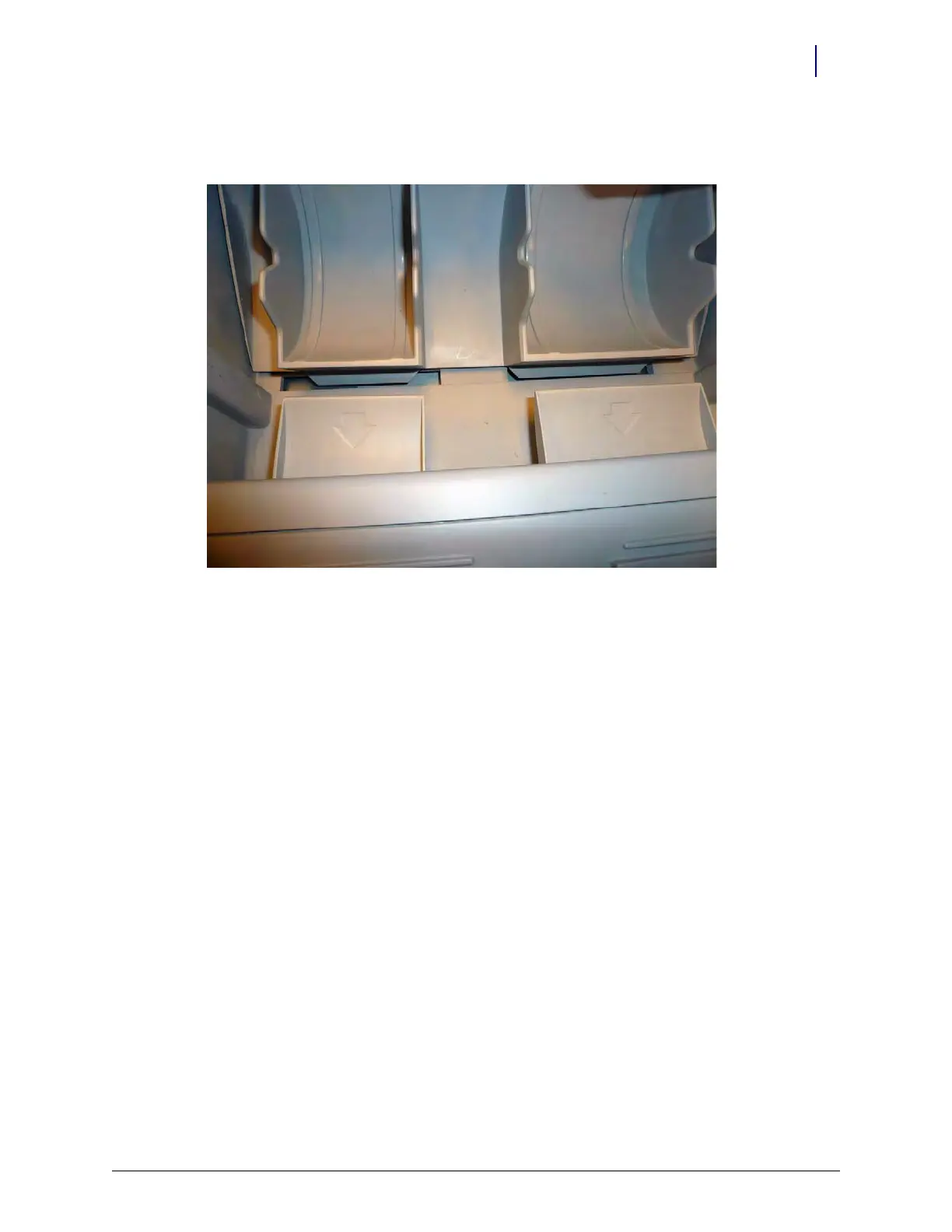
2. Roll the shelf back toward the back of the printer bay and slide the two guides into place
underneath the shelf supports.
Figure 4-31. Ensure the guides are secure underneath the shelf supports
3. Ensure that the shelf snaps into place and then close the printer lid.
Install the Battery
Once the G4 console with eBox is installed on the OmniRx, the battery must be installed and
connected.



 To Next Page