5-22 OmniRX G4 Service Guide
Install the Touch-Screen Monitor
OmniRx Service Guide/67-2023 Rev F © 2011 Omnicell, Inc.
Replace the Keyboard
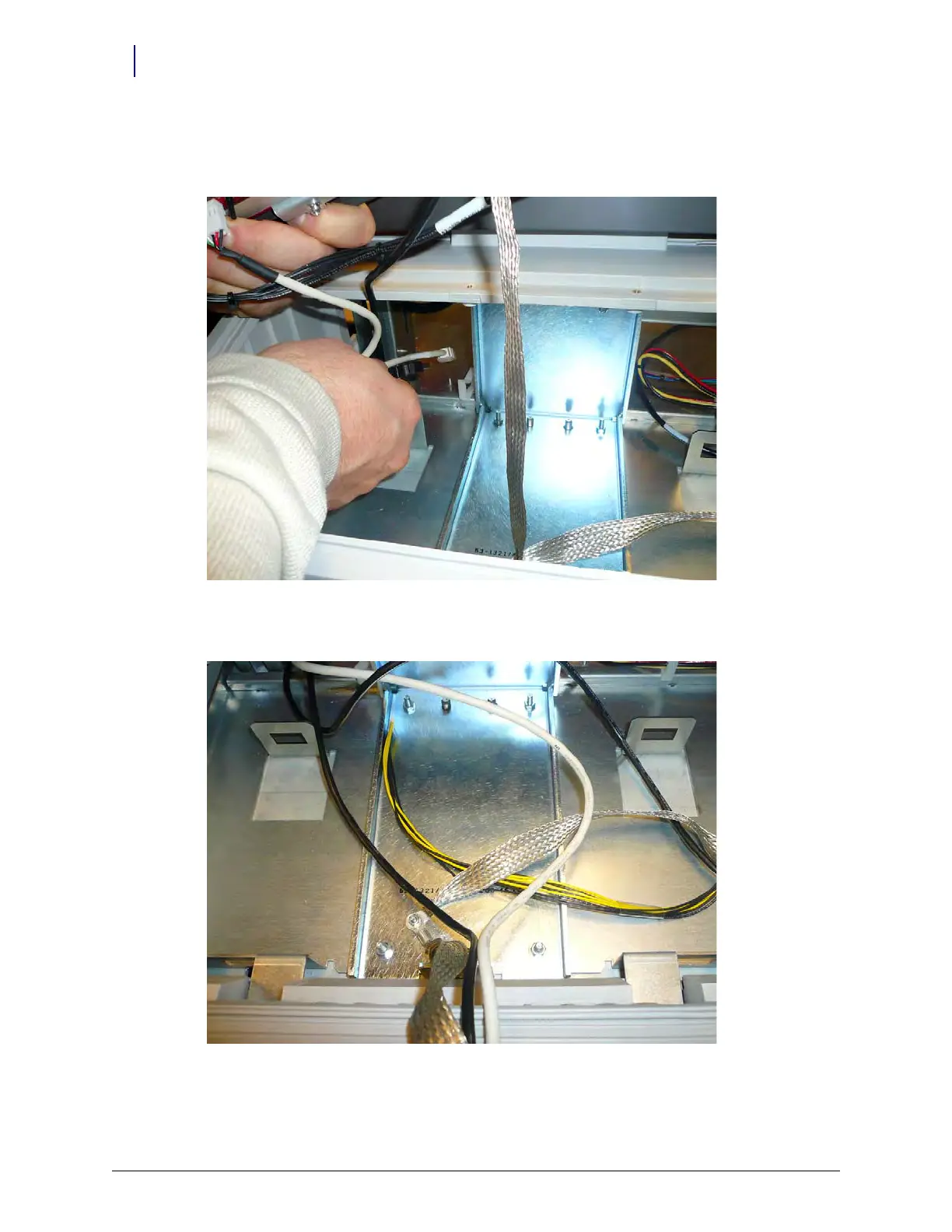
1. Feed the USB and power cables through the rear opening in the G4 console frame.
Figure 5-34.
2. Replace the ground cable and secure it with the nut that was previously removed.
Figure 5-35. Connect the ground cable



 To Next Page