© 2011 Omnicell, Inc. OmniRx Service Guide/67-2023 Rev F
OmniRX G4 Service Guide 5-21
Install the Touch-Screen Monitor
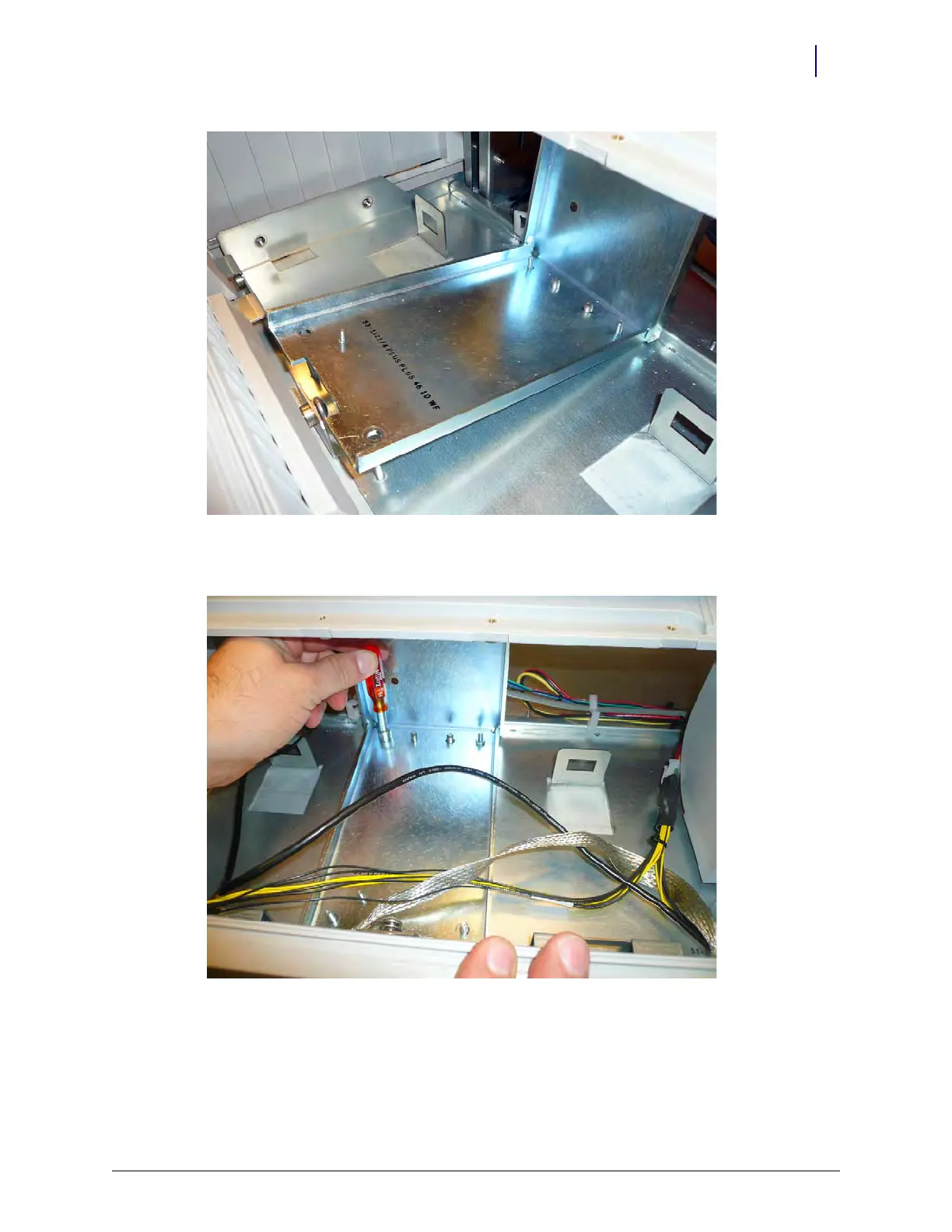
Figure 5-32. Place the monitor stand
2. Secure the monitor using the four nuts provided.
Figure 5-33. Secure the monitor to the OmniRx G4 console



 To Next Page