4-2 OmniRx G4 Console Upgrade
Remove the G3 Sled
OmniRx Service Guide/67-2023 Rev F © 2011 Omnicell, Inc.
Remove the G3 Sled
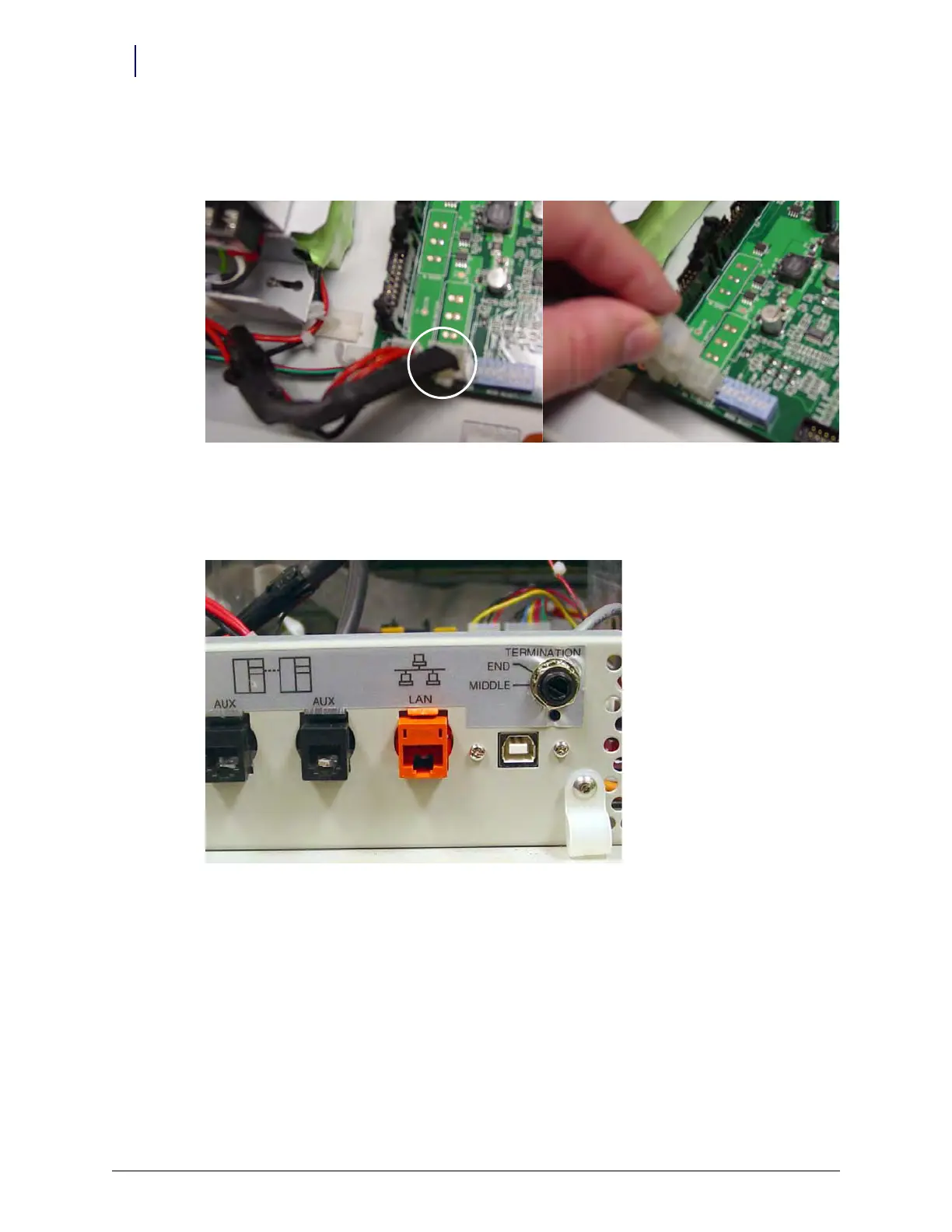
1. Disconnect the battery cable.
Figure 4-1. Battery cable
2. Disconnect the LAN cable and any peripheral cables from the rear of the electronics sled.
Figure 4-2. Location and labels for LAN and AUX cable connections on CT PC tray



 To Next Page