5-6 OmniRX G4 Service Guide
Introduction
OmniRx Service Guide/67-2023 Rev F © 2011 Omnicell, Inc.
Remove the Monitor
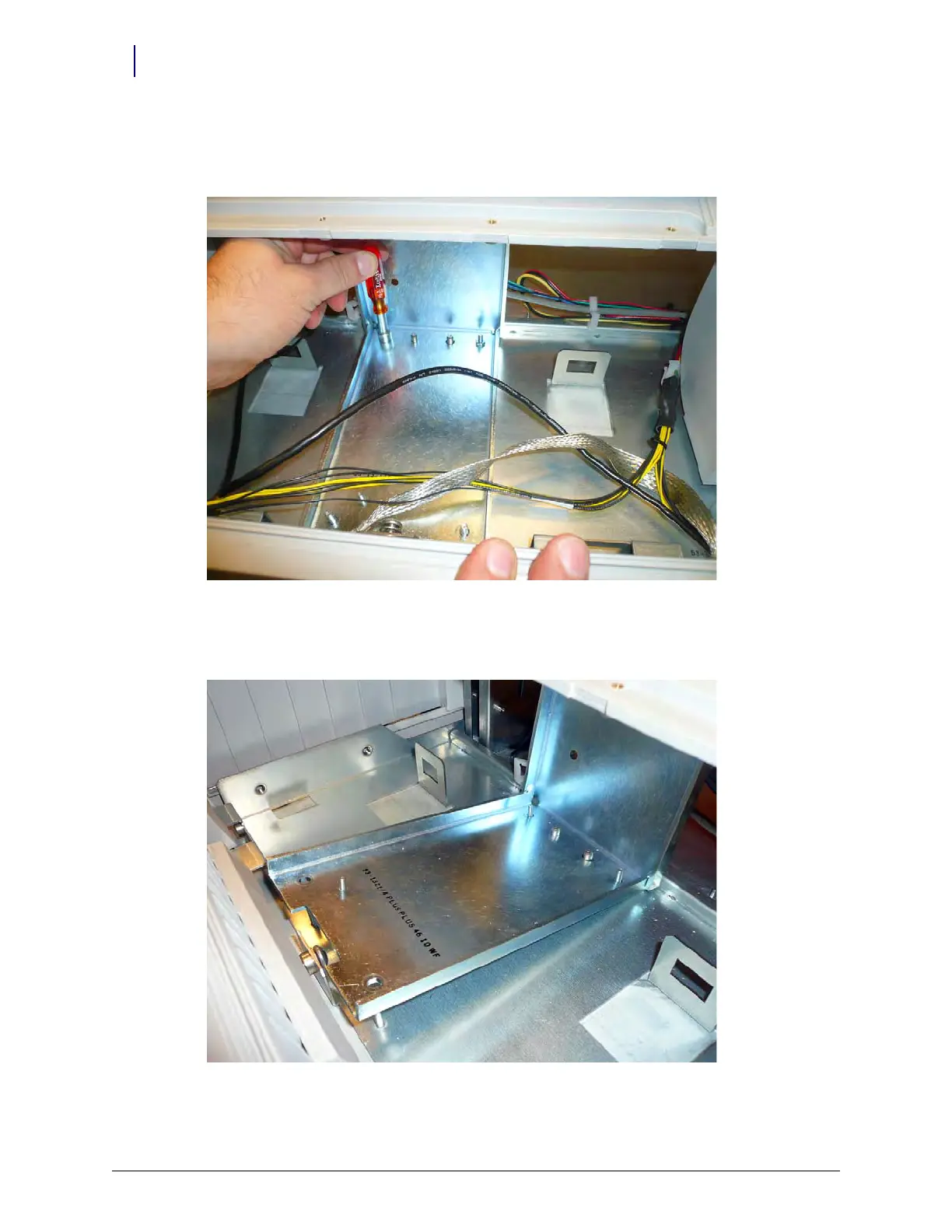
1. Remove the four nuts that secure the monitor to the OmniRx frame. Use a 5mm nut driver.
Figure 5-8. Remove the nuts that secure the monitor to the OmniRx G4 console
2. Lift the monitor stand from the front two screw pegs first, ensuring that the monitor clears the
screw pegs.
Figure 5-9. Lift the monitor stand up from the front first



 To Next Page