© 2011 Omnicell, Inc. OmniRx Service Guide/67-2023 Rev F
OmniRx G4 Console Upgrade 4-7
Remove the G3 Sled
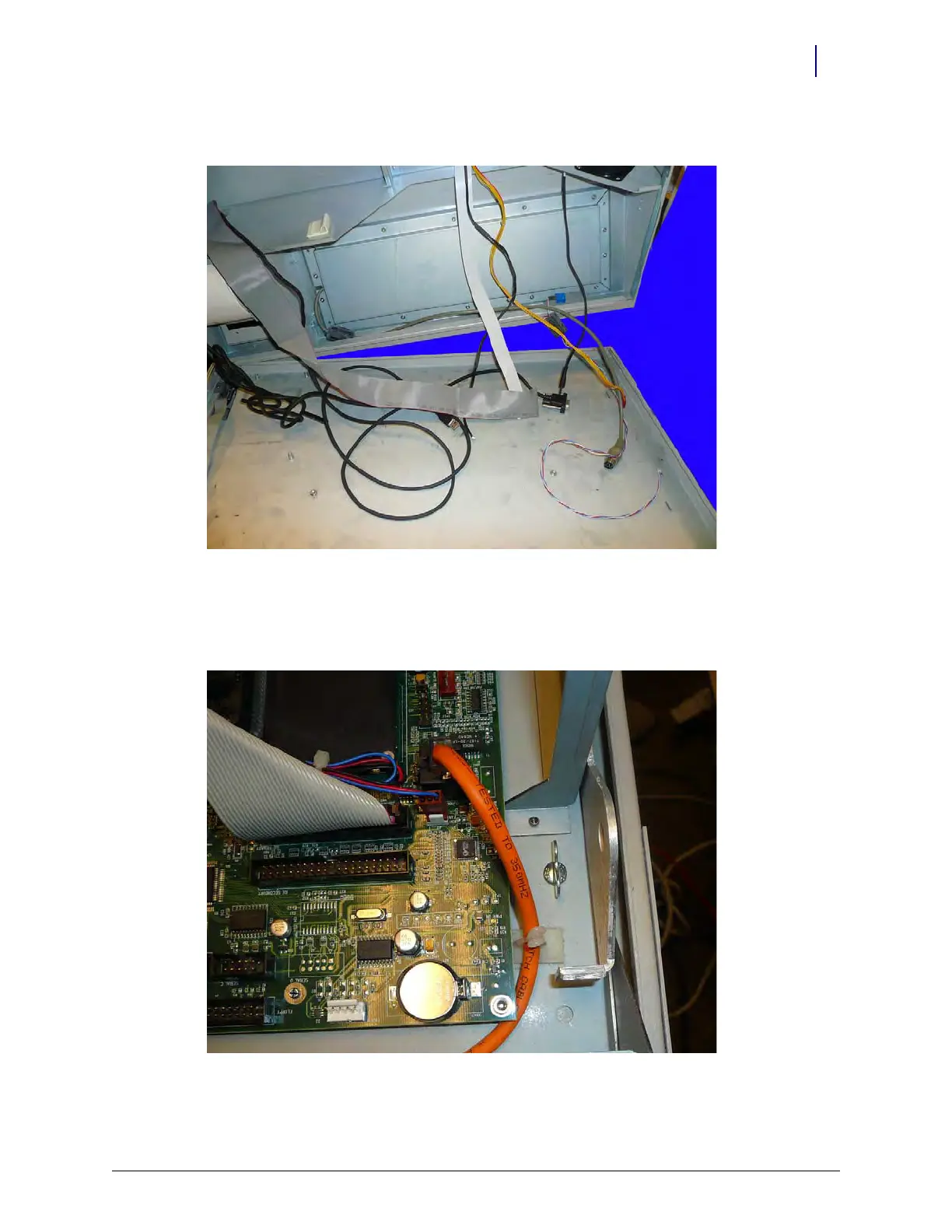
13. Remove the existing lid from the OmniRx.
Figure 4-11. Remove the OmniRx lid
Remove the Sled
1. Loosen and remove the thumbscrews that secure the tray to the OmniRx frame.
Figure 4-12. Remove the thumb screws that secure the CT PC tray



 To Next Page