© 2011 Omnicell, Inc. OmniRx Service Guide/67-2023 Rev F
OmniRX G4 Service Guide 5-27
Replace the E-Box
Add the E-Box
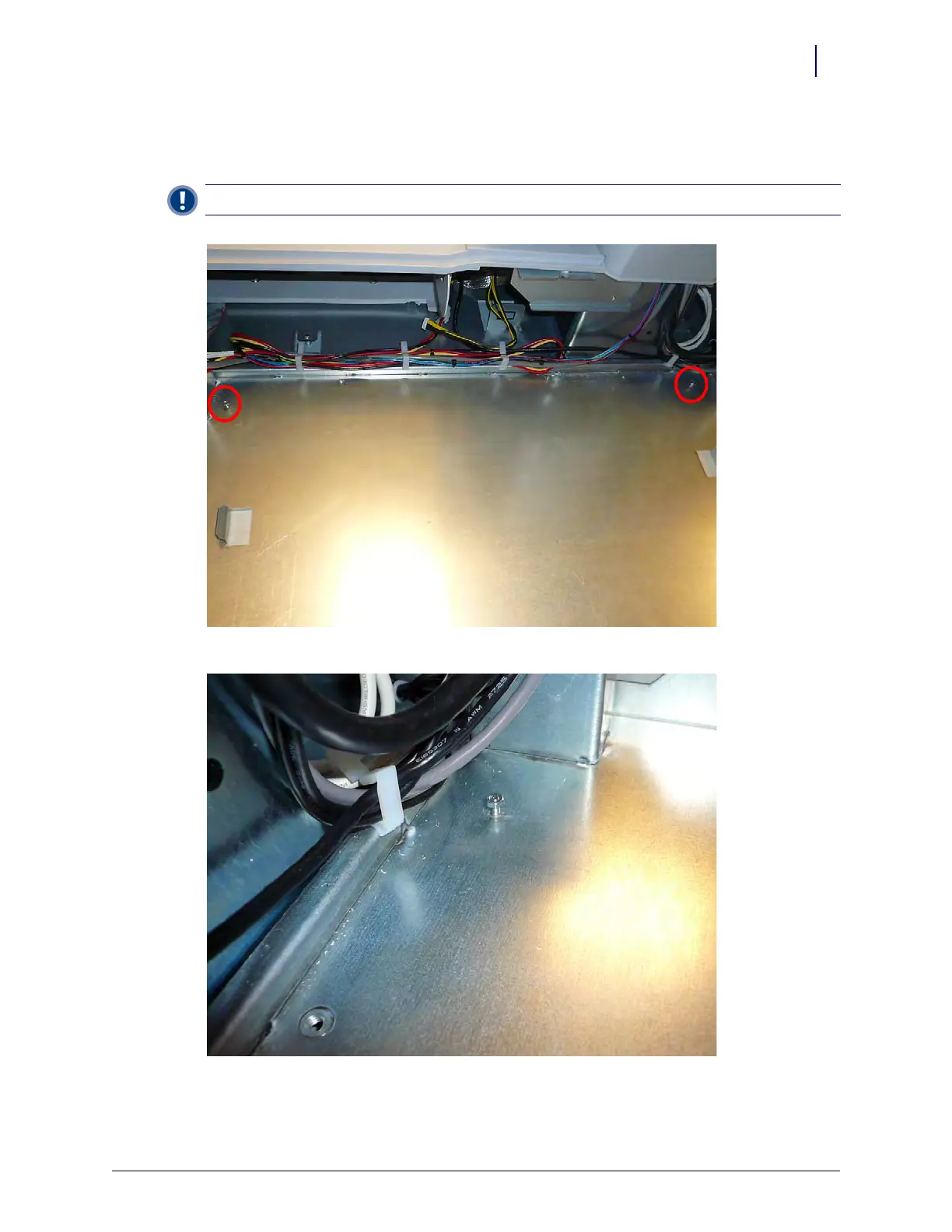
1. Place the two nuts onto the screw threads at the front of the E-Box enclosure area.
Figure 5-43. Place the two nuts
Figure 5-44. Route the cables
Important: Do not tighten the nuts yet



 To Next Page