5-28 OmniRX G4 Service Guide
Replace the E-Box
OmniRx Service Guide/67-2023 Rev F © 2011 Omnicell, Inc.
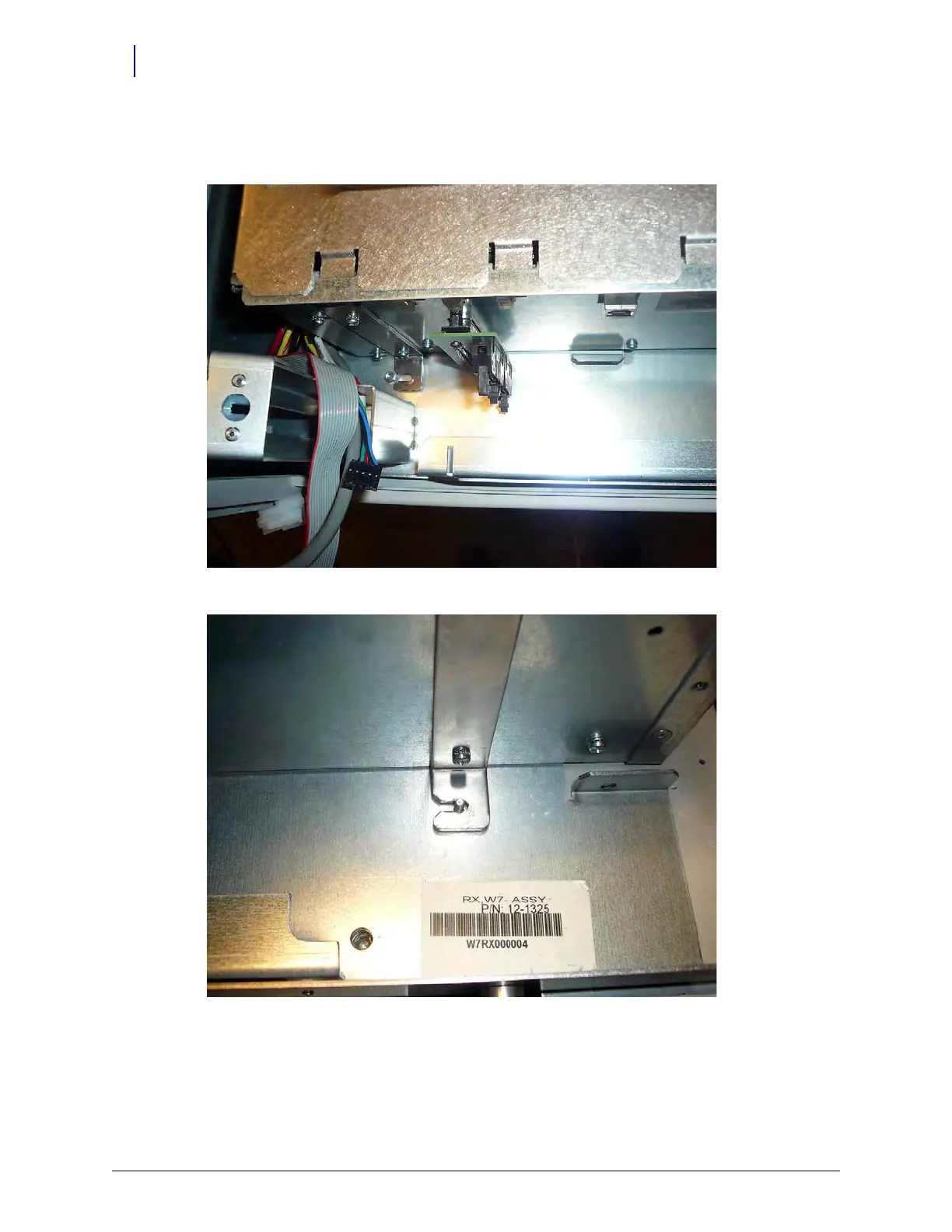
2. Set the E-Box onto the G4 console. Ensure that the brackets slide into place around the support
screws.
Figure 5-45. Set the E-Box in place
Figure 5-46. Ensure the Box is lined up
3. Tighten the nuts to secure the E-Box to the G4 console.



 To Next Page