© 2011 Omnicell, Inc. OmniRx Service Guide/67-2023 Rev F
OmniRX G4 Service Guide 5-29
Replace the E-Box
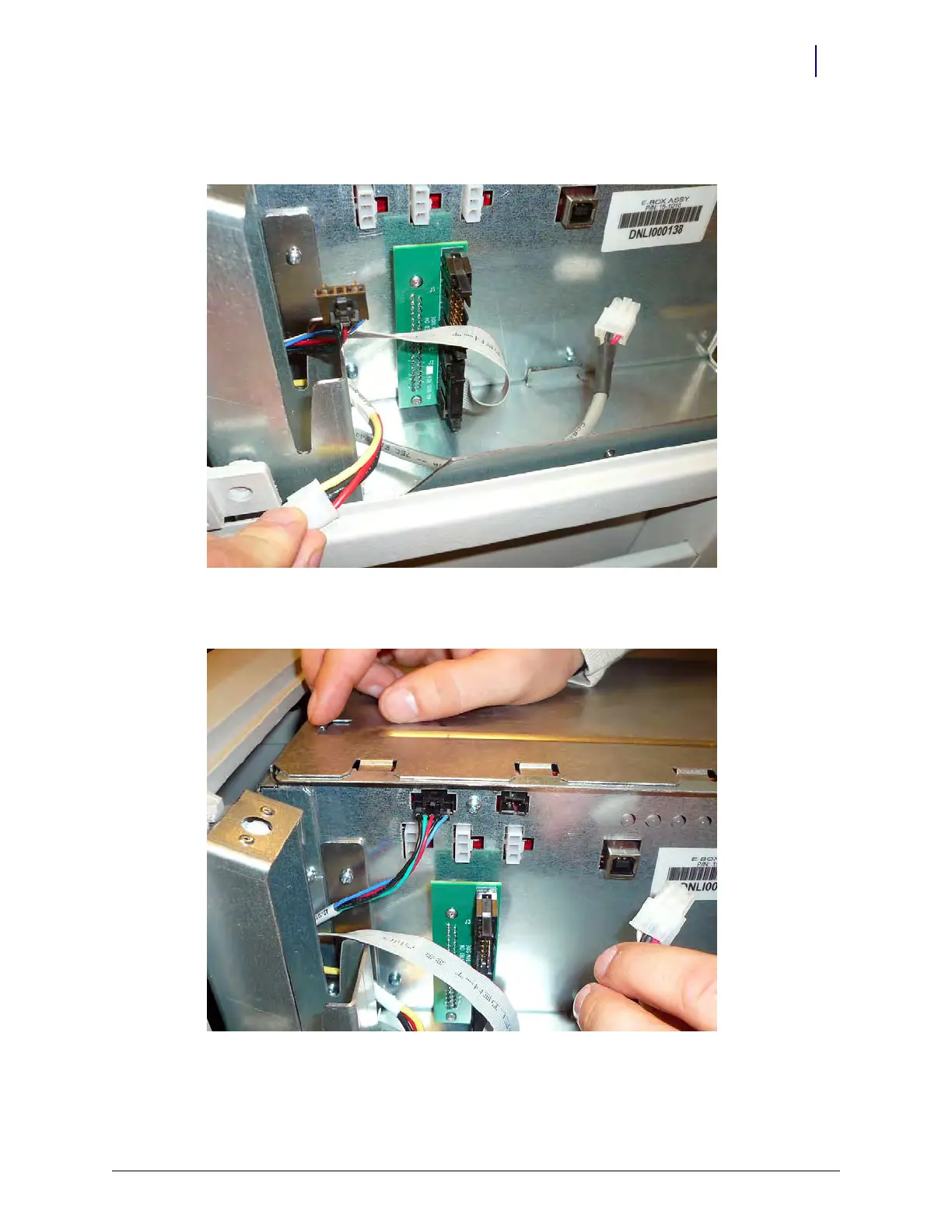
4. Connect the wireway cable. The cable is notched, so it will only fit into the adapter one way. do
not force the cable as it may damage the adapter.
Figure 5-47. Connect the wireway cable
5. Connect the LED cable.
Figure 5-48. Connect the LED cable



 To Next Page