5-30 OmniRX G4 Service Guide
Replace the E-Box
OmniRx Service Guide/67-2023 Rev F © 2011 Omnicell, Inc.
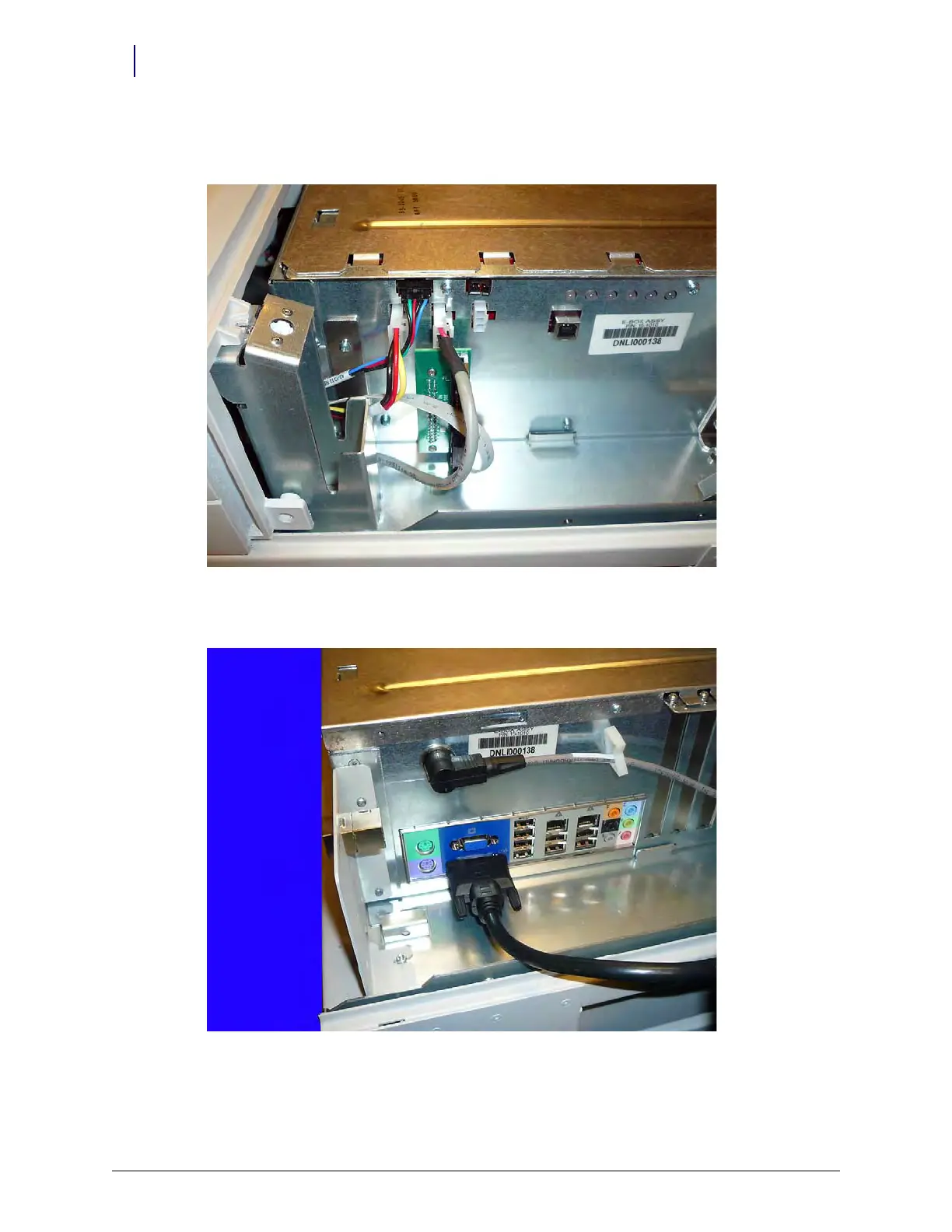
6. Connect the two power cables. It does not matter which cable goes into which molex
connector.
Figure 5-49. Connect the Power Cables
7. On the other side of the E-Box, connect the video cable and the data cable.
Figure 5-50. Connect all other cables



 To Next Page