5-20 OmniRX G4 Service Guide
Replace the Components od the OmniRx Sled
OmniRx Service Guide/67-2023 Rev F © 2011 Omnicell, Inc.
Replace the Components od the OmniRx Sled
Install the Touch-Screen Monitor
Install the Monitor
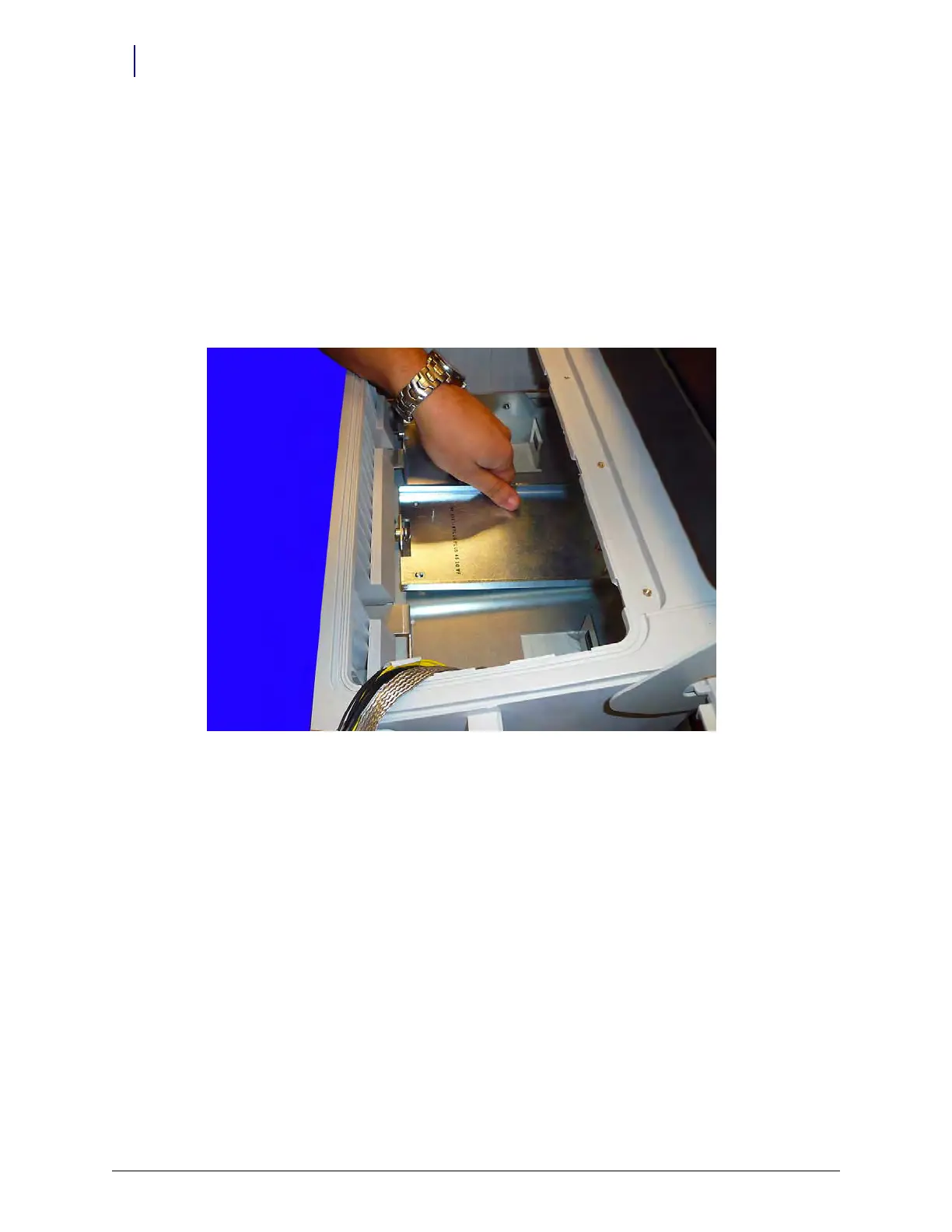
1. Set the monitor in place in the G4 Console. Ensure that the monitor clears the locking
mechanism and sets down with all four protruding screws fitting through the respective holes
in the stand.
Figure 5-31. Align the monitor stand



 To Next Page