3-8 Drawers
Pharmacy Drawer Removal
OmniRx Service Guide/67-2023 Rev F © 2011 Omnicell, Inc.
Pharmacy Drawer Removal
1. Perform a graceful shutdown of the electronic sled.
2. Unlock the manual override cover using the #2202 and 2232 keys.
3. Remove the cover by pushing it to the right and lifting it off.
Figure 3-7. Remove the Manual Override Cover
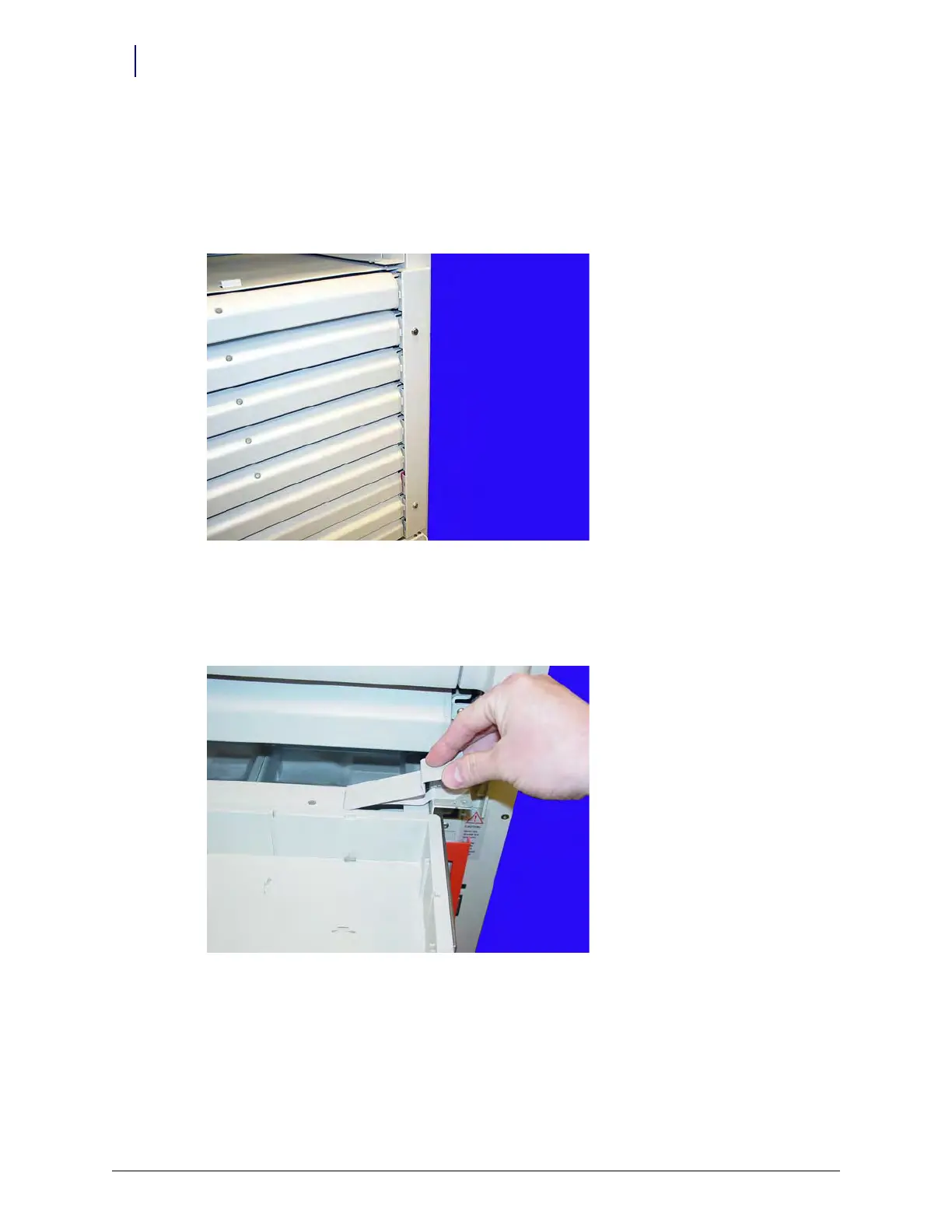
4. Pull the manual override lever and open the desired pharmacy drawer.
5. Remove the two screws securing the drawer controller cable cover to the cable clamps using a
Torx T10 screwdriver.
Figure 3-8. Remove the Controller Cable Cover



 To Next Page