© 2011 Omnicell, Inc. OmniRx Service Guide/67-2023 Rev F
Drawers 3-9
Pharmacy Drawer Removal
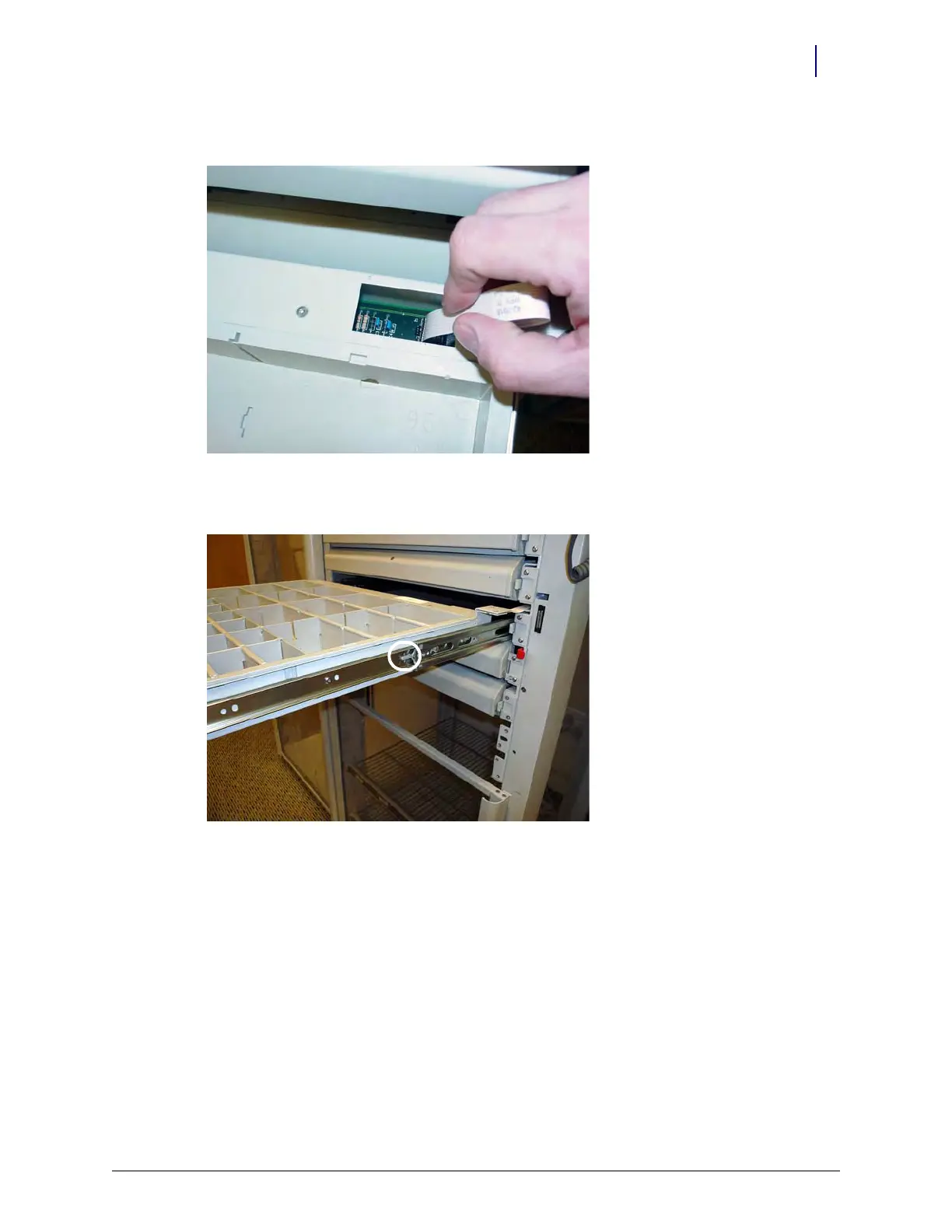
6. Remove the cable clamp and disconnect the drawer cable.
Figure 3-9. Remove the Controller Cable
7. Push the release levers on either side of the drawer up or down to release the drawer.
Figure 3-10. Push the Release Levers to Release the Drawer
8. Remove the pharmacy drawer from the module.



 To Next Page