5-26 OmniRX G4 Service Guide
Replace the E-Box
OmniRx Service Guide/67-2023 Rev F © 2011 Omnicell, Inc.
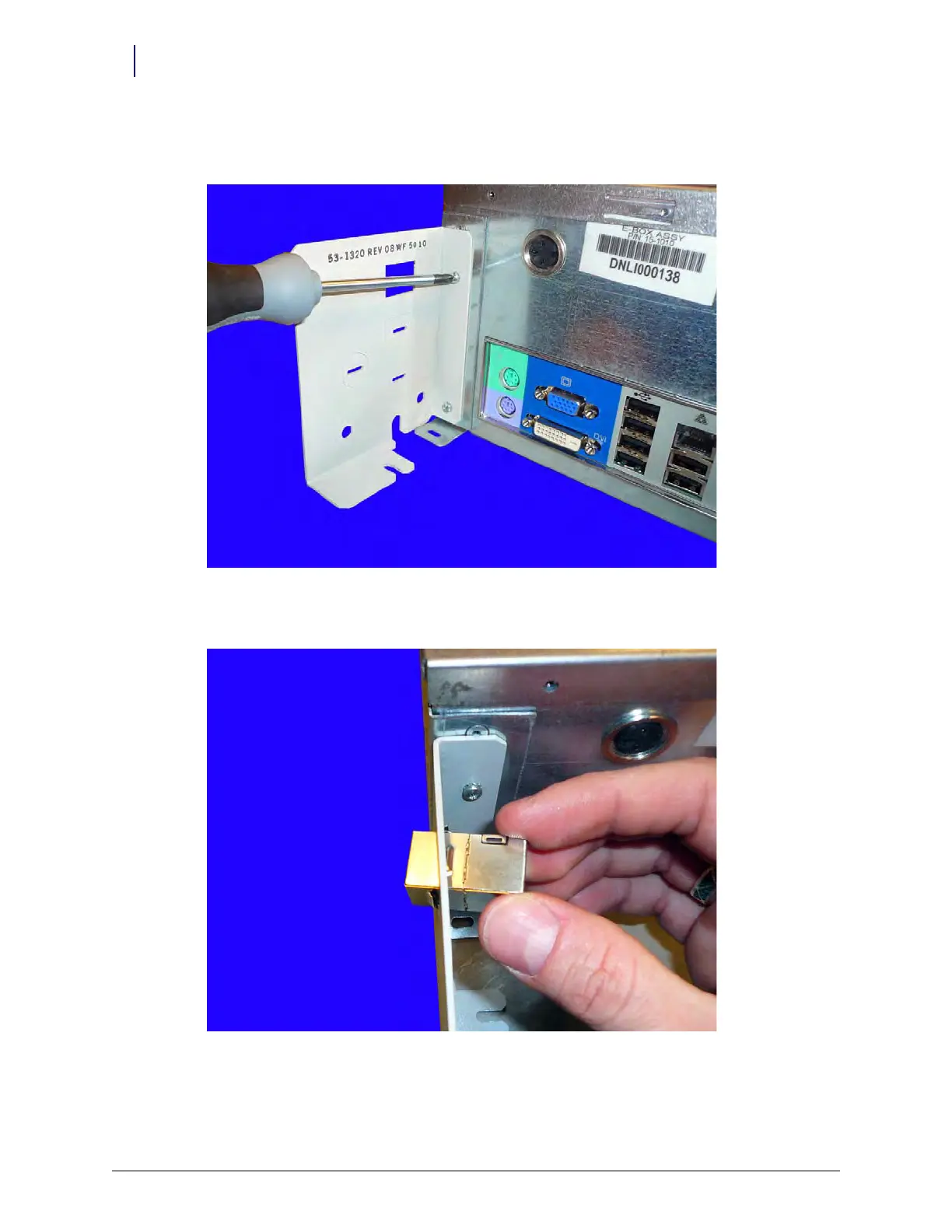
3. Add a bracket to the side of the E-Box that contains the USB ports and the keyboard
connectors.
Figure 5-41. Add the second bracket to the E-Box
4. Add the external ERB cable connector to the second bracket.
Figure 5-42. Add the ERB connector



 To Next Page