© 2011 Omnicell, Inc. OmniRx Service Guide/67-2023 Rev F
OmniRX G4 Service Guide 5-25
Replace the E-Box
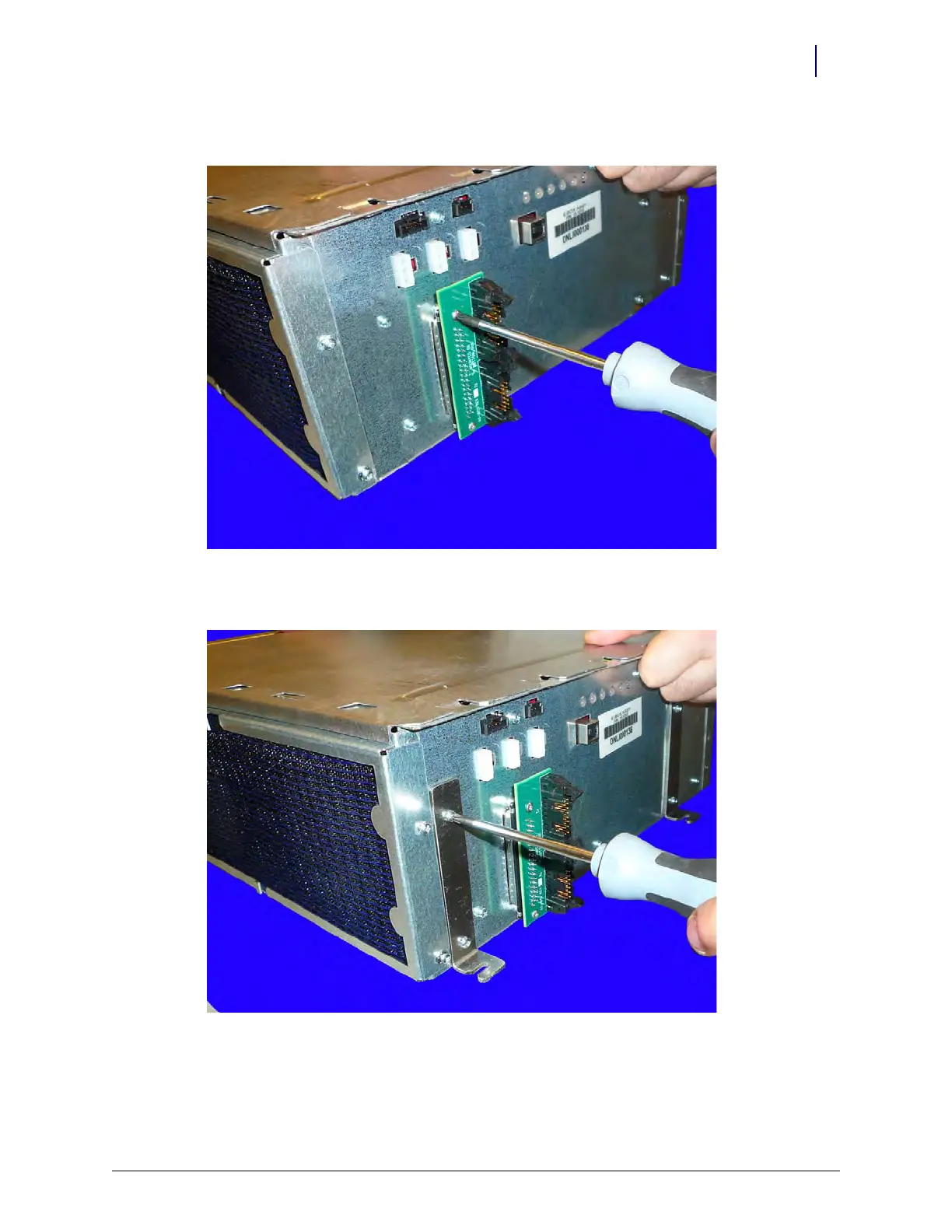
1. Add the wireway adapter card to the E-Box.
Figure 5-39. Add the wireway adapter card
2. Add a bracket to the front and rear side of the E-Box that contains the wireway adapter card.
Figure 5-40. Add the first set of brackets to the E-Box



 To Next Page