4-10 OmniRx G4 Console Upgrade
Prepare the OmniRx for Install of the G4
OmniRx Service Guide/67-2023 Rev F © 2011 Omnicell, Inc.
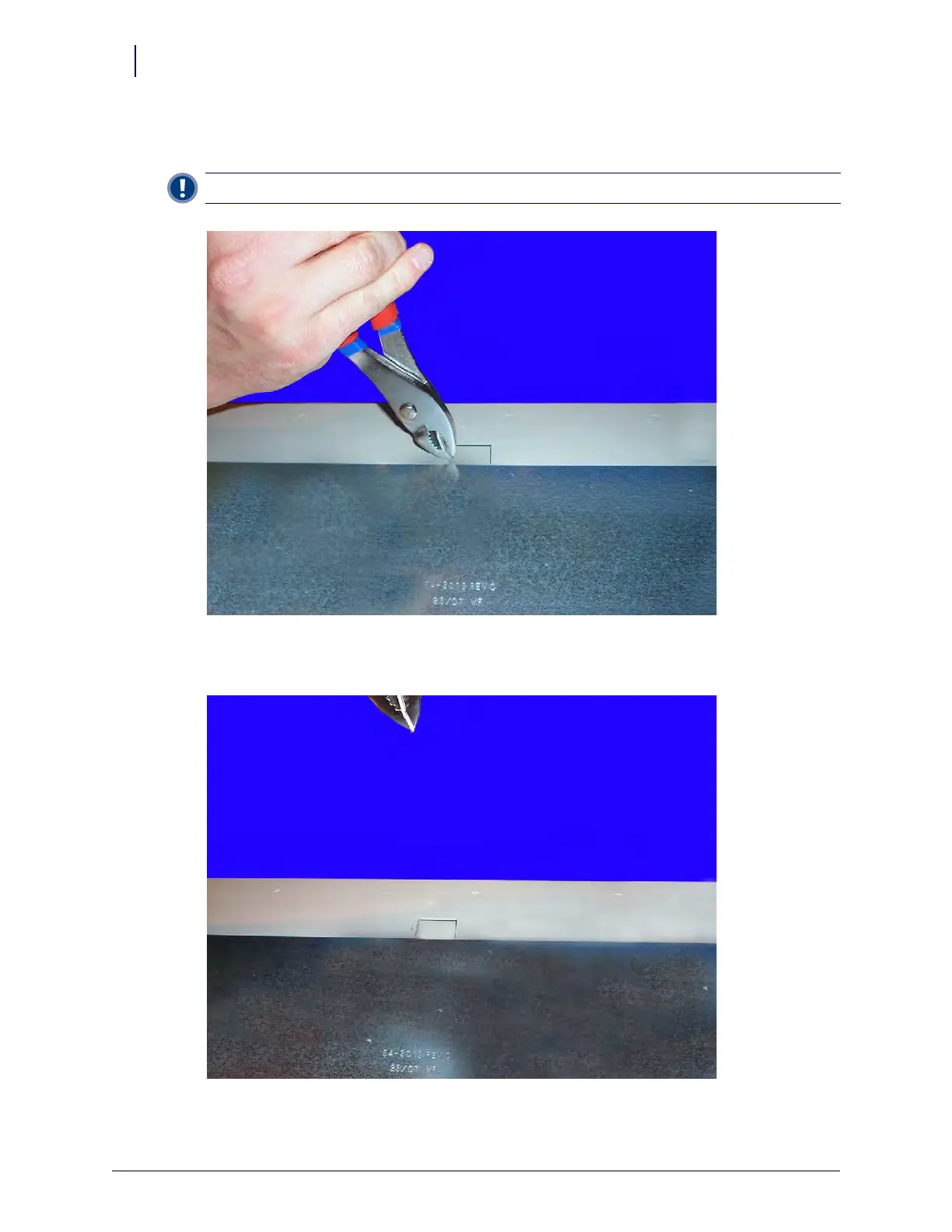
2. Use a pair of pliers and grab the lid alignment tab as close to the base of the OmniRx frame as
possible.
Figure 4-15. Bend the lid alignment tab using a strong pair of pliers
3. Bend the lid alignment tab back and forth until it breaks free from the frame.
Figure 4-16. Break off the lid alignment tab
Important: Ensure that the tab breaks off as close to the frame lid as possible.



 To Next Page