© 2011 Omnicell, Inc. OmniRx Service Guide/67-2023 Rev F
OmniRx G4 Console Upgrade 4-11
Prepare the OmniRx for Install of the G4
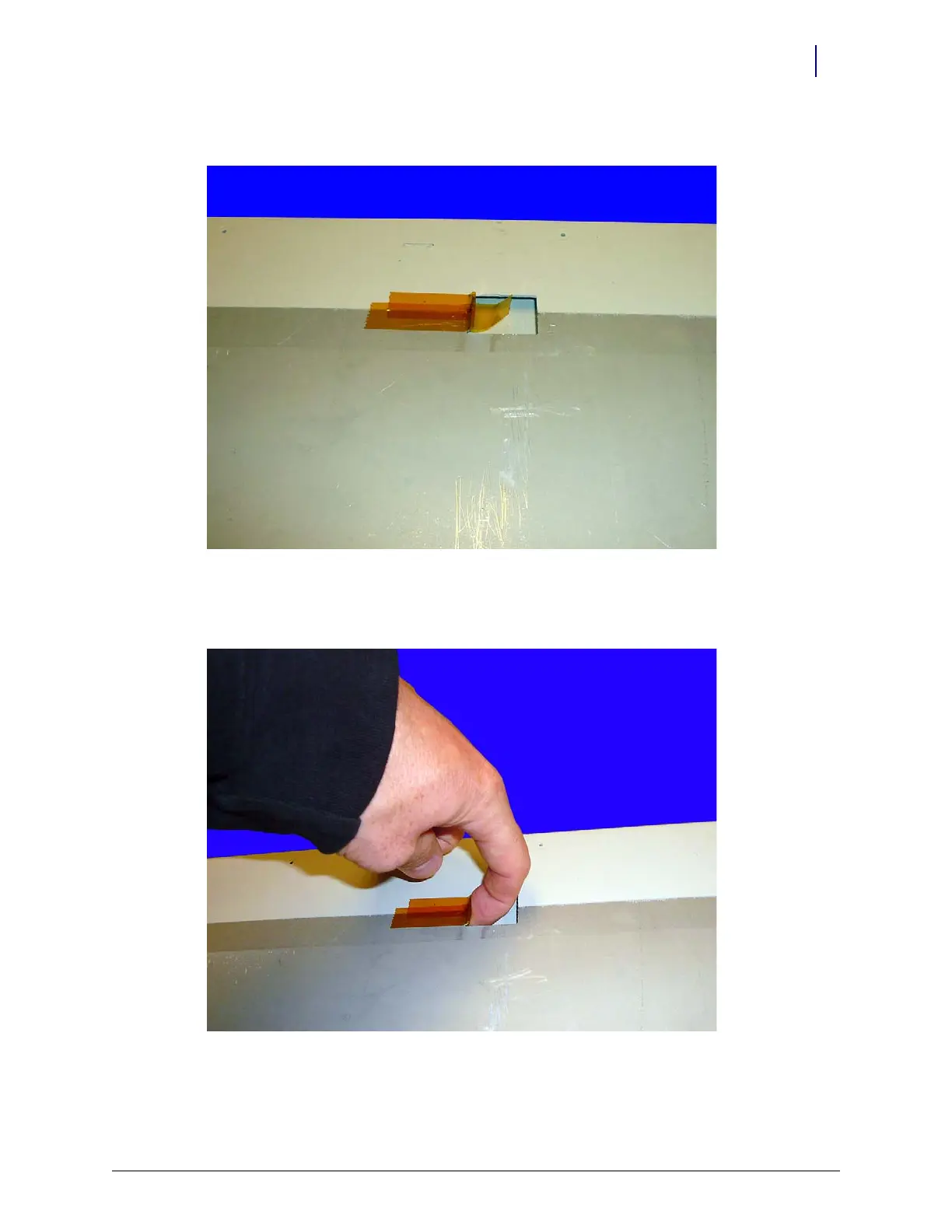
4. Place kapton tape over the opening, which will cover the jagged edge.
Figure 4-17. Cover the opening with tape
5. Use your finger, a screw driver or any other tool that will work and bend the tape into the
underside of the opening.
Figure 4-18. Fold the tape under and secure it to the underside of the frame



 To Next Page