© 2011 Omnicell, Inc. OmniRx Service Guide/67-2023 Rev F
OmniRX G4 Service Guide 5-11
Introduction
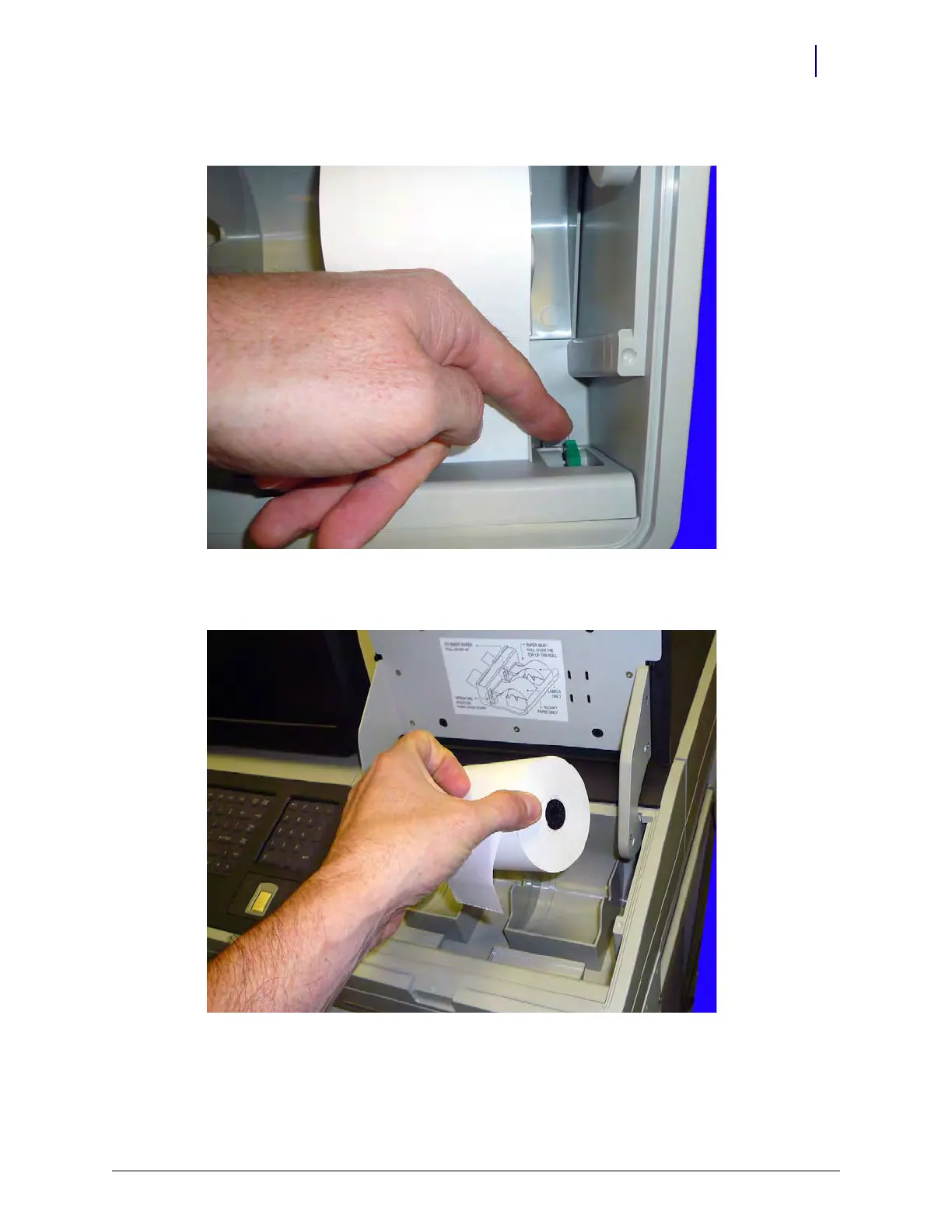
2. Pull the platen lever up and pull the receipt paper from the printer.
Figure 5-16. Open the platen level
3. Remove the paper from its holder.
Figure 5-17. Remove the receipt printer paper



 To Next Page