4-24 OmniRx G4 Console Upgrade
Add the G4 Console
OmniRx Service Guide/67-2023 Rev F © 2011 Omnicell, Inc.
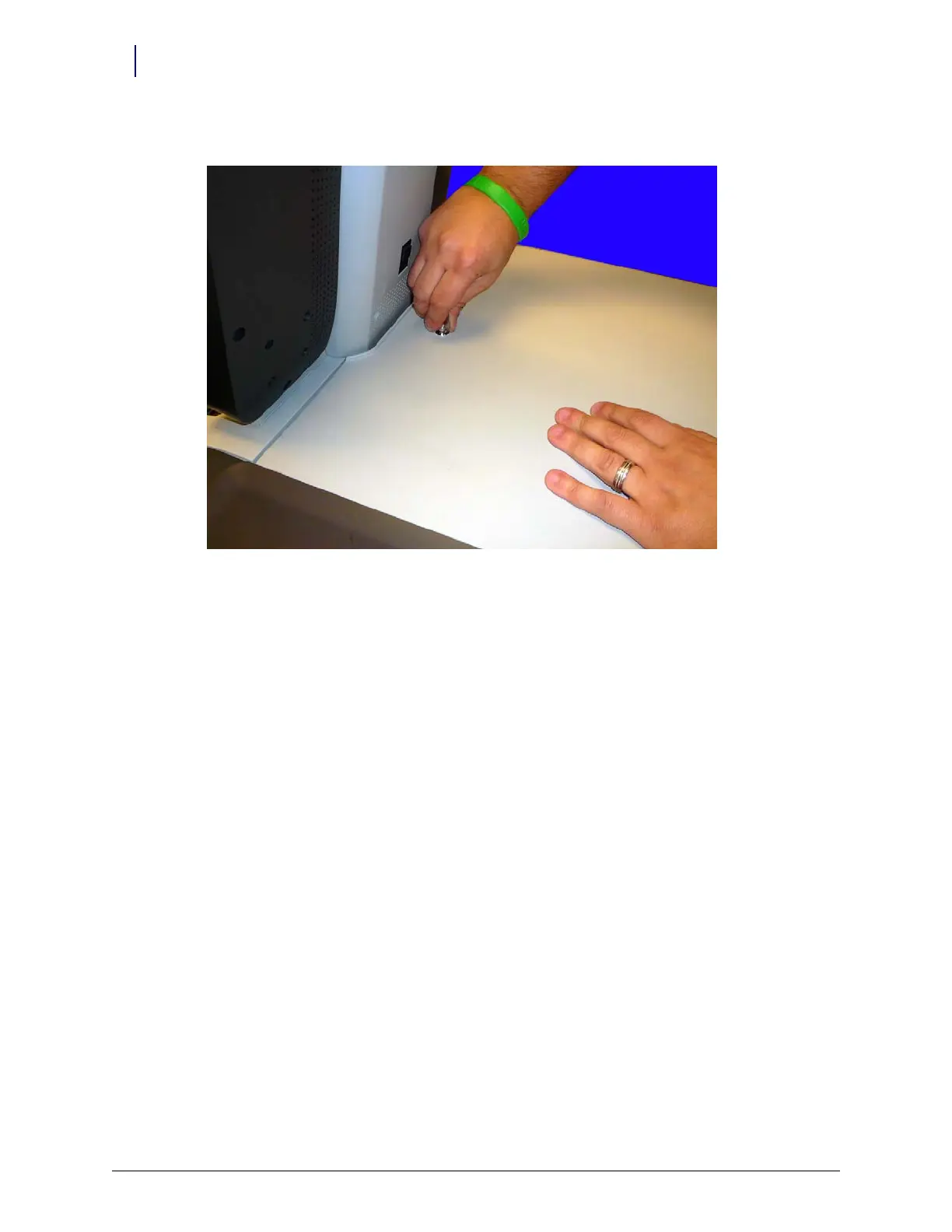
2. Set the lid down gently and use the #2378 cam lock key to lock the lid.
Figure 4-38. Close and lock the lid
3. Plug the OmniRx into a medical-grade power outlet and power on the system.
4. Test the system to ensure it is working properly.



 To Next Page