© 2011 Omnicell, Inc. OmniRx Service Guide/67-2023 Rev F
OmniRx G4 Console Upgrade 4-23
Add the G4 Console
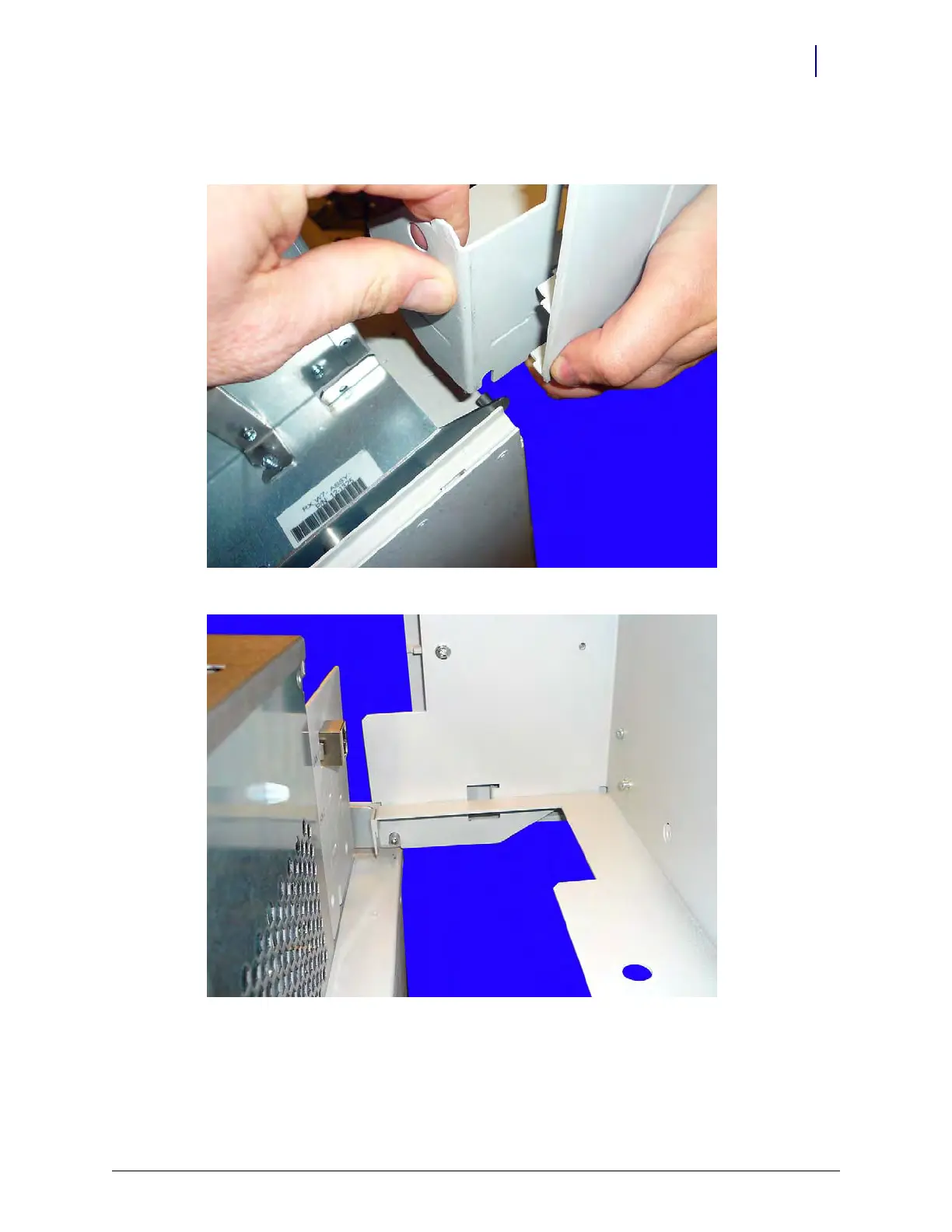
1. Lift the OmniRx lid onto the back of the machine and set the lid down, ensuring that it rests on
the console frame pegs.
Figure 4-36. Place the lid onto the pegs on the frame of the OmniRx
Figure 4-37. Set the lid down on the frame pegs



 To Next Page