© 2011 Omnicell, Inc. OmniRx Service Guide/67-2023 Rev F
OmniRx G4 Console Upgrade 4-17
Add the G4 Console
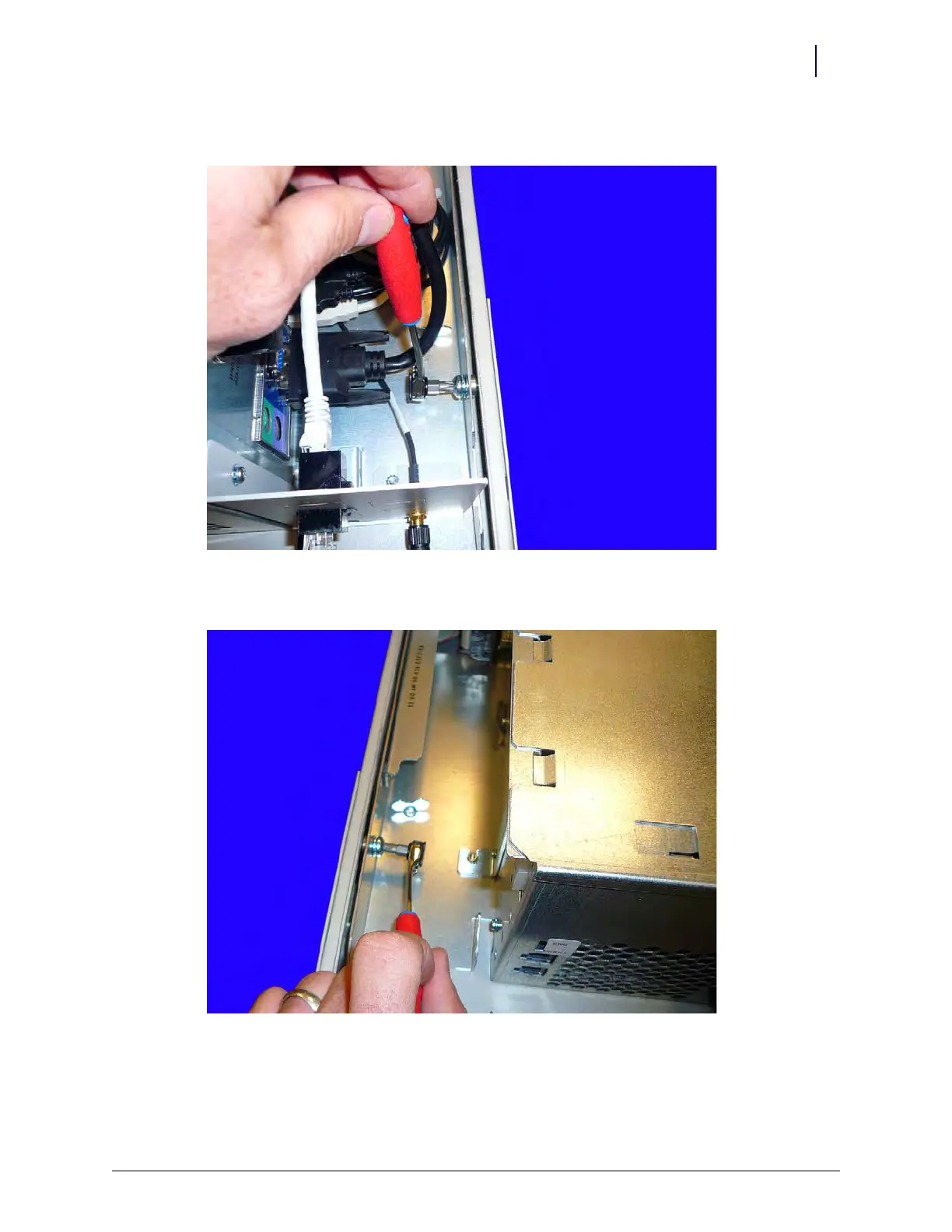
2. Secure the screw in the right rear of the console. Use a small ratchet and a Torx T30 bit.
Figure 4-27. Secure the right side of the G4 console to the OmniRx frame
3. Secure the screw in the left rear of the console. Use a small ratchet and a Torx T30 bit.
Figure 4-28. Secure the left side of the OniRx G4 console to the frame



 To Next Page