© 2011 Omnicell, Inc. OmniRx Service Guide/67-2023 Rev F
CT PC E-Box 6-21
Remove/Replace the Power Entry Module
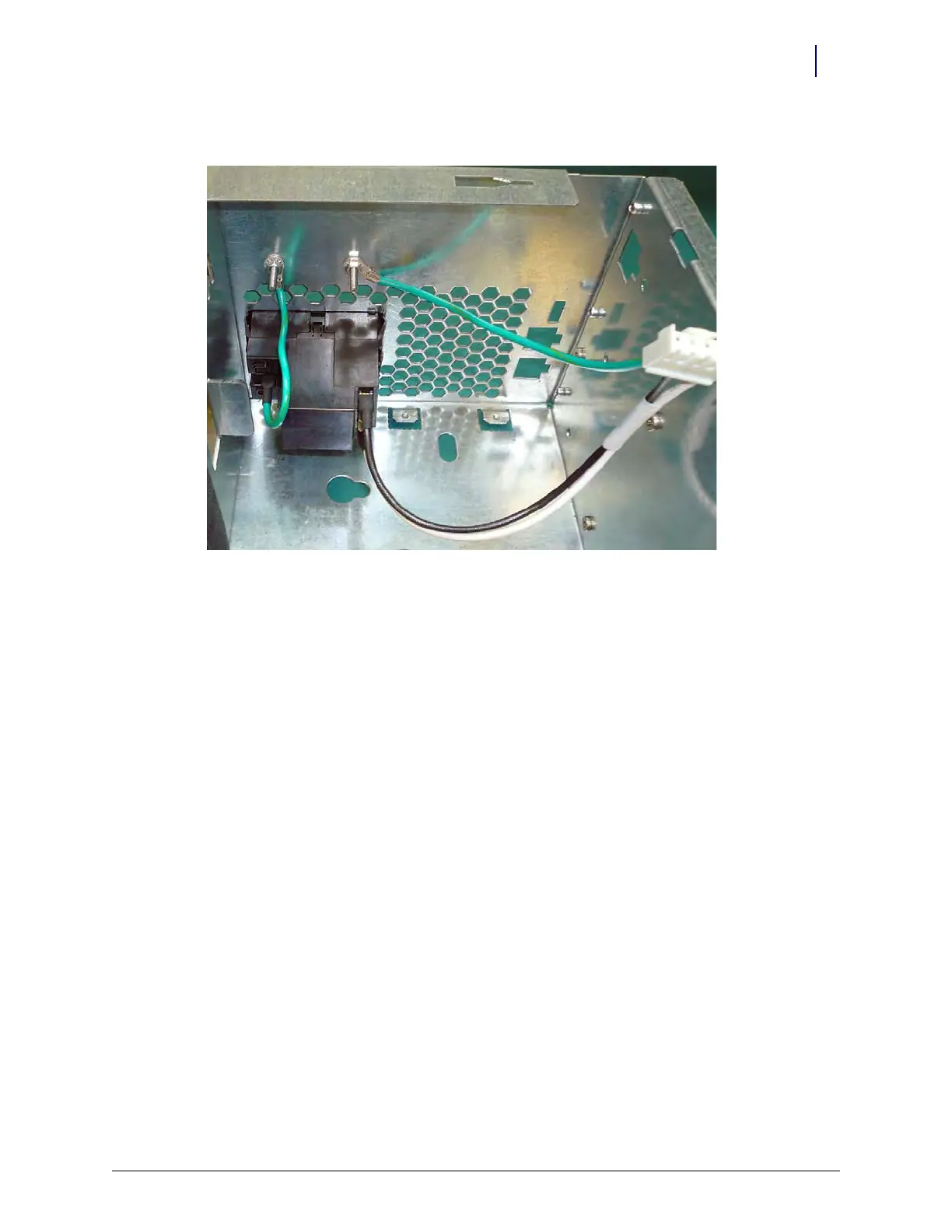
3. Replace the two nuts that secure the power entry module wires to the E-Box frame.
Figure 6-31. Replace the screws that secure the ground wires to the E-Box
4. Replace the power supply. Follow the steps in “Replace the Power Supply” on page 1-13.
5. Replace the battery. Follow the steps in “Replace the Battery” on page 1-9.



 To Next Page