2-6 Frames and Wireways
Manual Override Cable Service
OmniRx Service Guide/67-2023 Rev F © 2011 Omnicell, Inc.
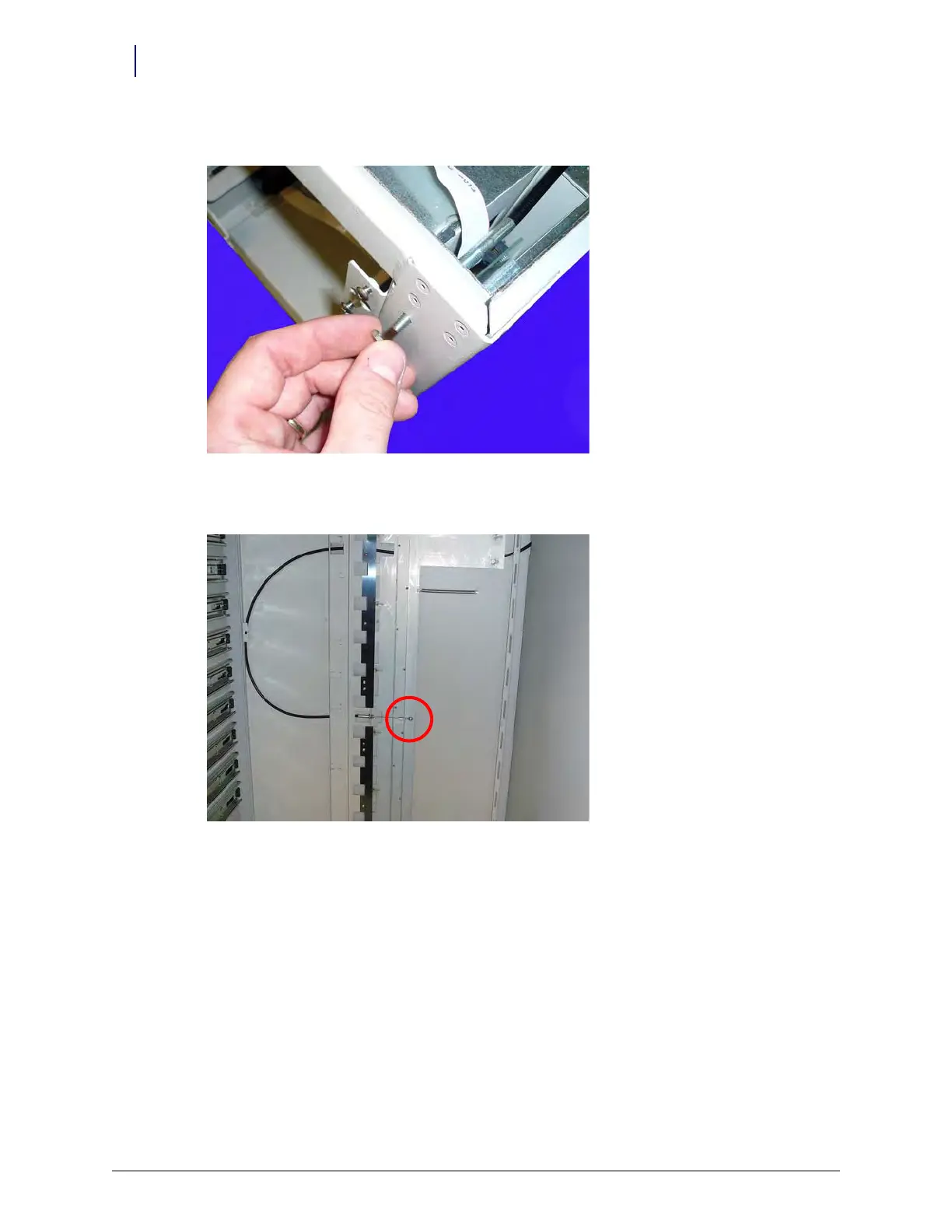
13. Remove the nut that secures the manual override cable to the front of the frame.
Figure 2-9. Remove the nut that secures the manual override cable to the frame.
14. Remove the screw that secures the manual override cable to the manual override assembly.
Figure 2-10. Remove the screw that secures the manual override cable to the frame



 To Next Page