7-5
7 High-speed Counters
CJ2M CPU Unit Pulse I/O Module User’s Manual
7-1 Overview
7
7-1-4 PLC Setup
High-speed Counter Detailed Settings
Note The power supply must be restarted after the PLC Setup is transferred in order to enable the high-speed
counter settings.
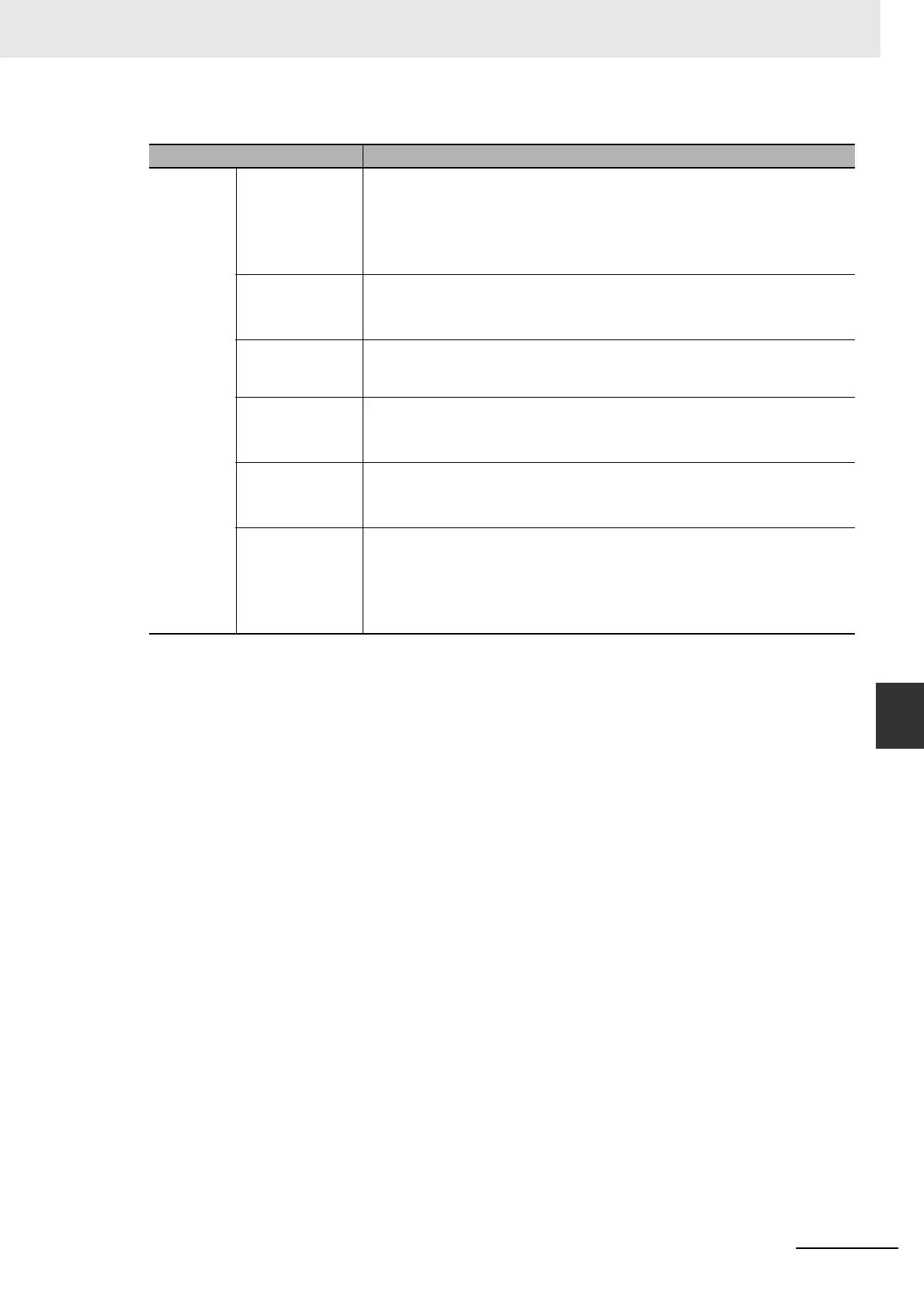
Item Setting
Use high
speed
counter 0 to
3.
Counter setting Select one of the following.
• Do not use
• Input pulse frequency (60 kHz max.)*
• Input pulse frequency (100 kHz max.)*
* The frequency of the noise filter will change.
Counting Mode Select one of the following.
• Linear mode
• Ring mode
Ring Counter
Max. Value
If a ring counter is selected, set the maximum ring count to between 0 and
4,294,967,295 decimal. (The ring counter maximum value will be
4,294,967,295 if 0 is set.)
Reset Method Select one of the following.
• Z phase, software reset
• Software reset
Comparing After
Counter Reset
Select one of the following.
•Stop
•Continue
Pulse Input Mode Select one of the following.
• Differential Phase
• Pulse + Direction
• Up/Down pulse
• Increment pulse






 To Next Page