209
Comparison Instructions Section 3-6
3-6 Comparison Instructions
This section describes instructions used to compare data of various lengths
and in various ways.
3-6-1 Input Comparison Instructions (300 to 328)
Purpose Input comparison instructions compare two values (constants and/or the con-
tents of specified words) and create an ON execution condition when the
comparison condition is true. Input comparison instructions are available to
compare signed or unsigned data of one-word or double length data.
Note Refer to 3-14-21 Single-precision Floating-point Comparison Instructions for
details on single-precision floating-point input comparison instructions and 3-
15-21 Double-precision Floating-point Input Instructions for details on double-
precision floating-point input comparison instructions.
Ladder Symbol
Variations
Applicable Program Areas
Operand Specifications for Instructions for One-word Data
Instruction Mnemonic Function
code
Page
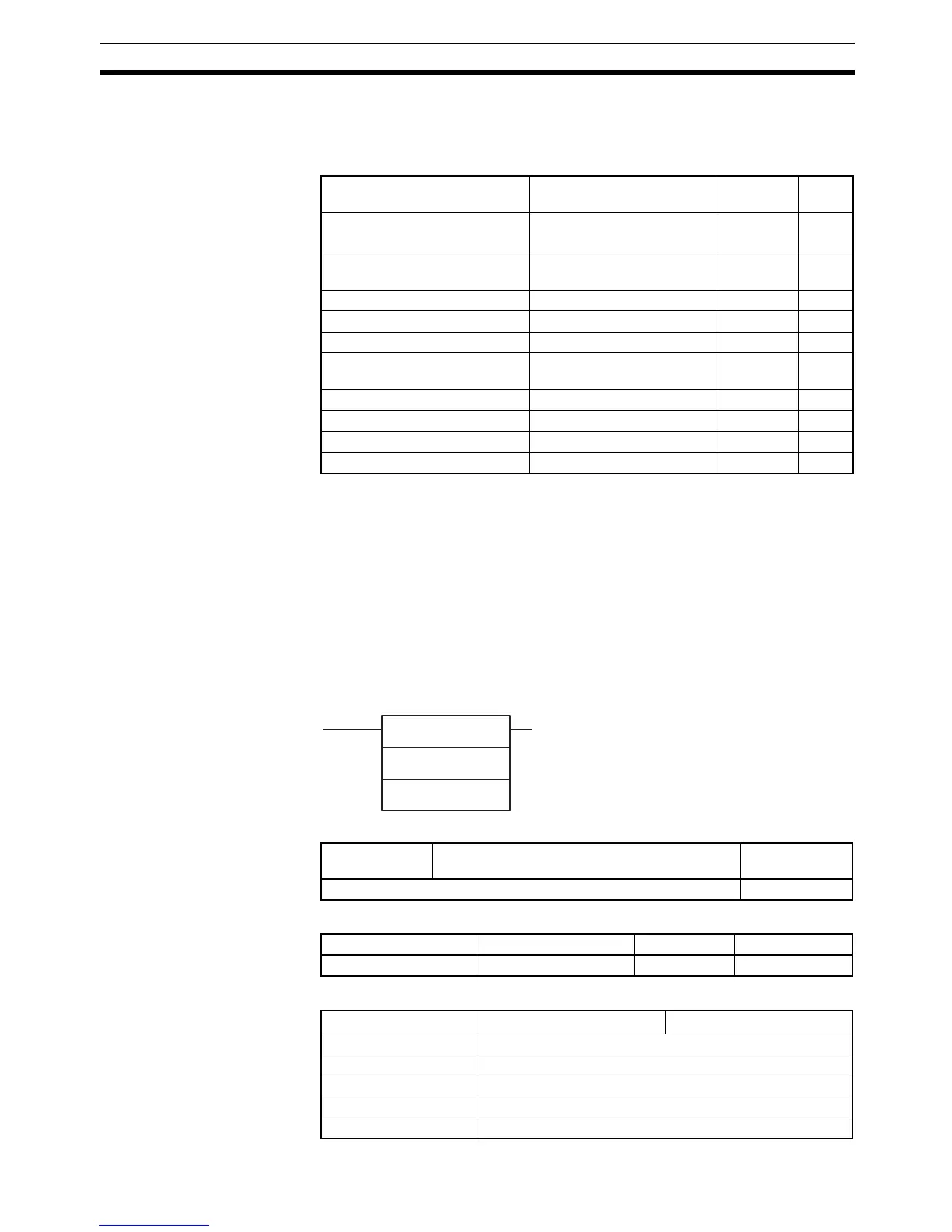
Input Comparison Instructions =, <>, <, <=, >, >=
(S, L) (LD, AND, OR)
300 to 328 209
Time Comparison Instructions =DT, <>DT, <DT, <=DT, >DT,
>=DT (LD, AND, OR)
341 to 346 215
COMPARE CMP 020 220
DOUBLE COMPARE CMPL 060 222
SIGNED BINARY COMPARE CPS 114 225
DOUBLE SIGNED BINARY
COMPARE
CPSL 115 227
MULTIPLE COMPARE MCMP 019 230
TABLE COMPARE TCMP 085 233
BLOCK COMPARE BCMP 068 235
EXPANDED BLOCK COMPARE BCMP2 502 238
S
1
S
2
S1: Comparison data 1
S
2: Comparison data 2
Symbol & options
Variations Creates ON Each Cycle Comparison is True Input compari-
son instruction
Immediate Refreshing Specification Not supported
Block program areas Step program areas Subroutines Interrupt tasks
OK OK OK OK
Area S
1
S
2
CIO Area CIO 0 to CIO 6143
Work Area W0 to W511
Holding Bit Area H0 to H511
Auxiliary Bit Area A0 to A959
Timer Area T0000 to T4095



 To Next Page