58
Using Tasks Section 2-2
Instructions will not be executed in Standby status, so instruction execution
time will not be increased. Programming that does not need to be executed all
the time can be made into tasks and assigned Standby status to reduce cycle
time.
Note Standby status simply means that a task will be skipped during task execu-
tion. Changing to Standby status will not end the program.
2-2 Using Tasks
2-2-1 TASK ON and TASK OFF
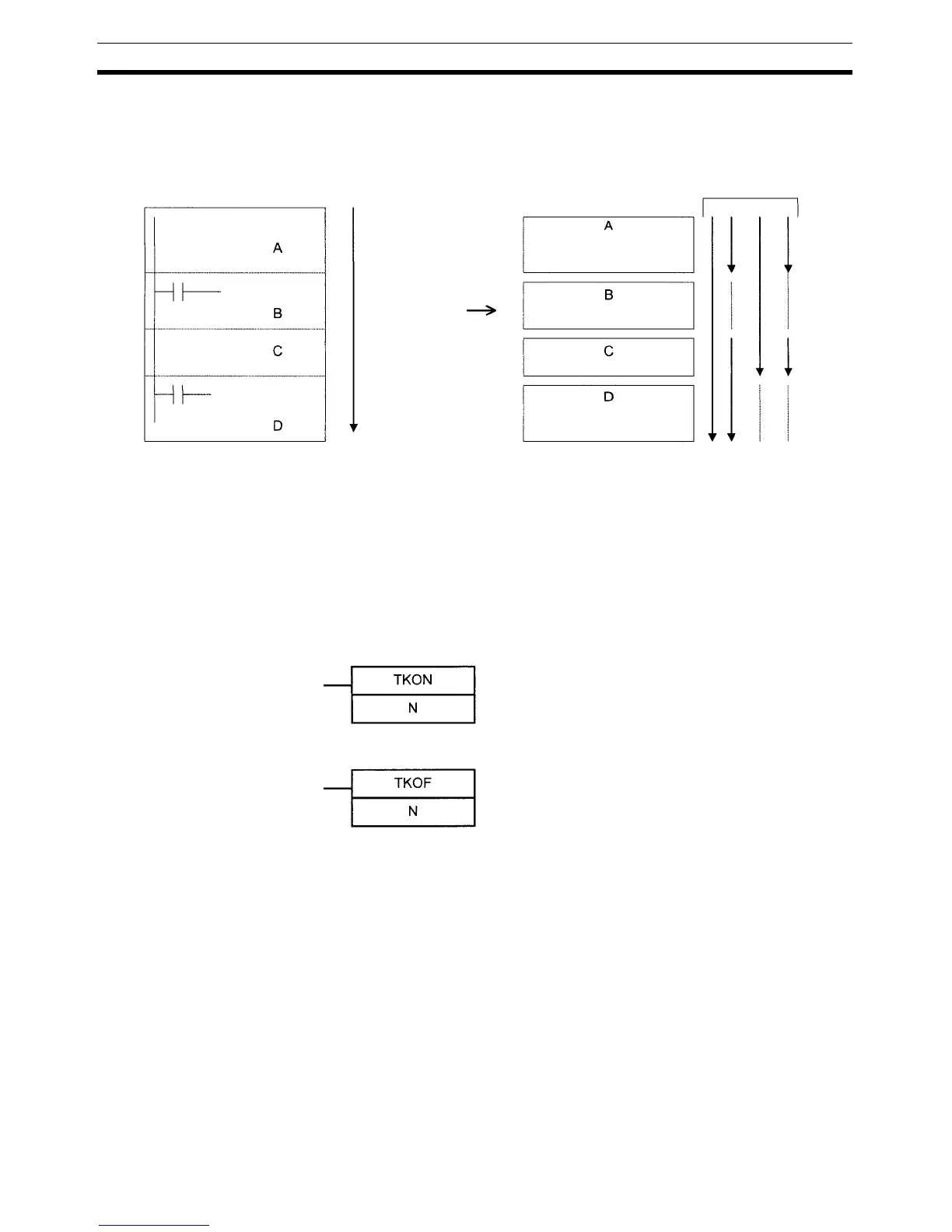
The TASK ON (TKON(820)) and TASK OFF (TKOF(821)) instructions switch a
cyclic task (including extra cyclic tasks) between READY and Standby status
from a program.
The TASK ON and TASK OFF instructions can be used to change any cyclic
task (including extra cyclic tasks) between READY and Standby status at any
time.
A cyclic task that is in READY status will maintain that status in subsequent
cycles, and a cyclic task that is in Standby status will maintain that status in
subsequent cycles.
The TASK ON and TASK OFF instructions can be used only within cyclic
tasks and not within interrupt tasks.
Conventional program
Executes under
set conditions
Executes under
set conditions
All instructions will
be executed un-
less jumps or other
functions are used.
Task
Reduced cycle tim
N: Task No.
N: Task No.
A task will go to READY status when the
execution condition is ON, and the corre-
sponding Task Flag will turn ON.
A task will go to Standby status when
the execution condition is ON, and the
corresponding Task Flag will turn OFF.



 To Next Page