6
Programming Concepts Section 1-1
Note Operands are also called the first operand, second operand, and so on, start-
ing from the top of the instruction.
1-1-3 Instruction Location and Execution Conditions
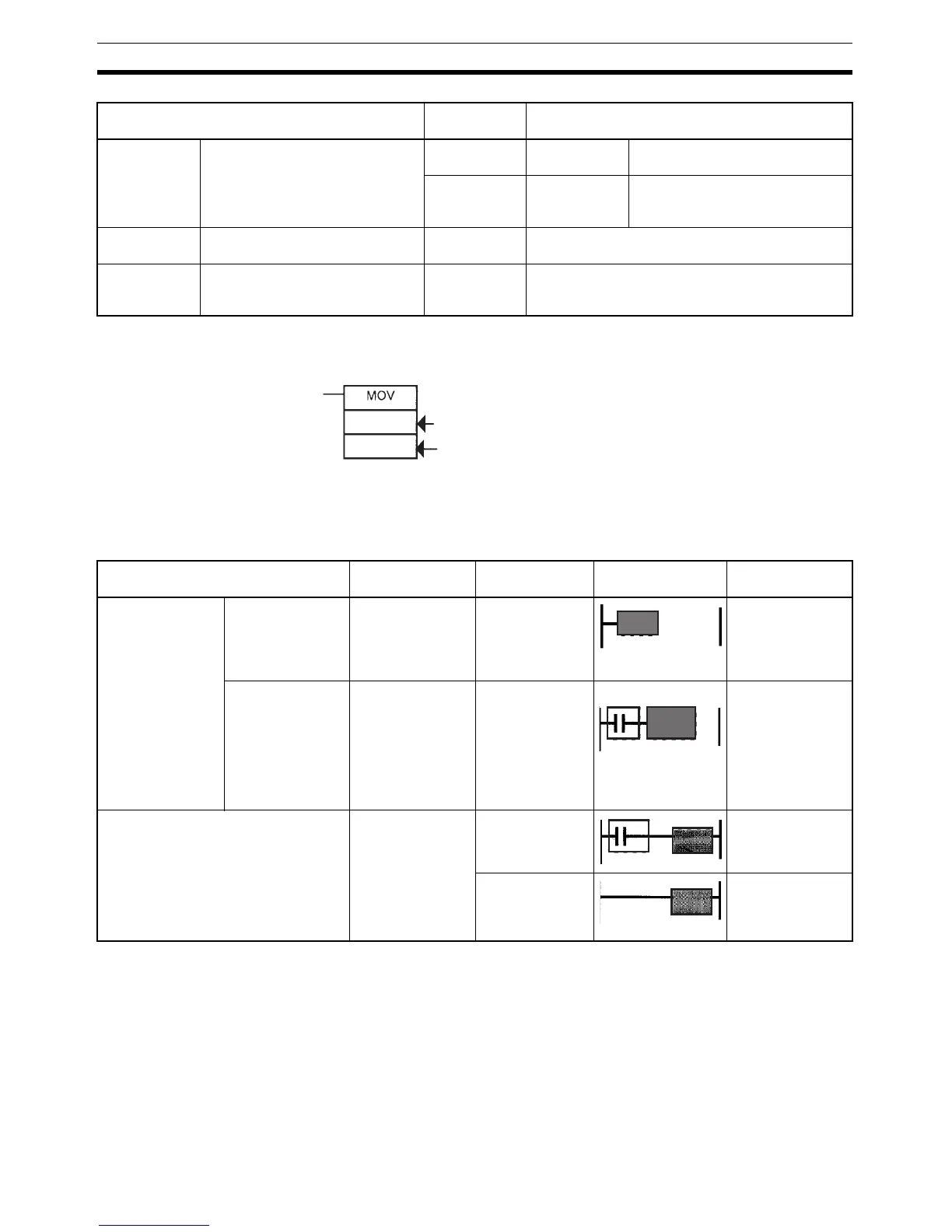
The following table shows the possible locations for instructions. Instructions
are grouped into those that do and those do not require execution conditions.
Note (1) There is another group of instruction that executes a series of mnemonic
instructions based on a single input. These are called block programming
instructions. Refer to the CP-series CP1H/CP1L CPU Unit Programming
Manual for details on these block programs.
(2) If an instruction requiring an execution condition is connected directly to
the left bus bar without a logical start instruction, a program error will oc-
cur when checking the program on a CX-Programmer.
Operand types Operand
symbol
Description
Source Specifies the address of the data
to be read or a constant.
S Source Oper-
and
Source operand other than control
data (C)
C Control data Compound data in a source oper-
and that has different meanings
depending bit status.
Destination
(Results)
Specifies the address where data
will be written.
D (R) ---
Number Specifies a particular number used
in the instruction, such as a jump
number or subroutine number.
N---
First operand
Second operand
#0
D0
Instruction type Possible location Execution
condition
Diagram Examples
Input instructions Logical start (Load
instructions)
Connected directly
to the left bus bar
or is at the begin-
ning of an instruc-
tion block.
Not required. LD, LD TST(350),
LD > (and other
symbol compari-
son instructions)
Intermediate
instructions
Between a logical
start and the out-
put instruction.
Required. AND, OR, AND
TEST(350), AND
> (and other ADD
symbol compari-
son instructions),
UP(521),
DOWN(522),
NOT(520), etc.
Output instructions Connected directly
to the right bus
bar.
Required. Most instructions
including OUT and
MOV(021).
Not required. END(001),
JME(005),
FOR(512),
ILC(003), etc.



 To Next Page