481
Floating-point Math Instructions Section 3-14
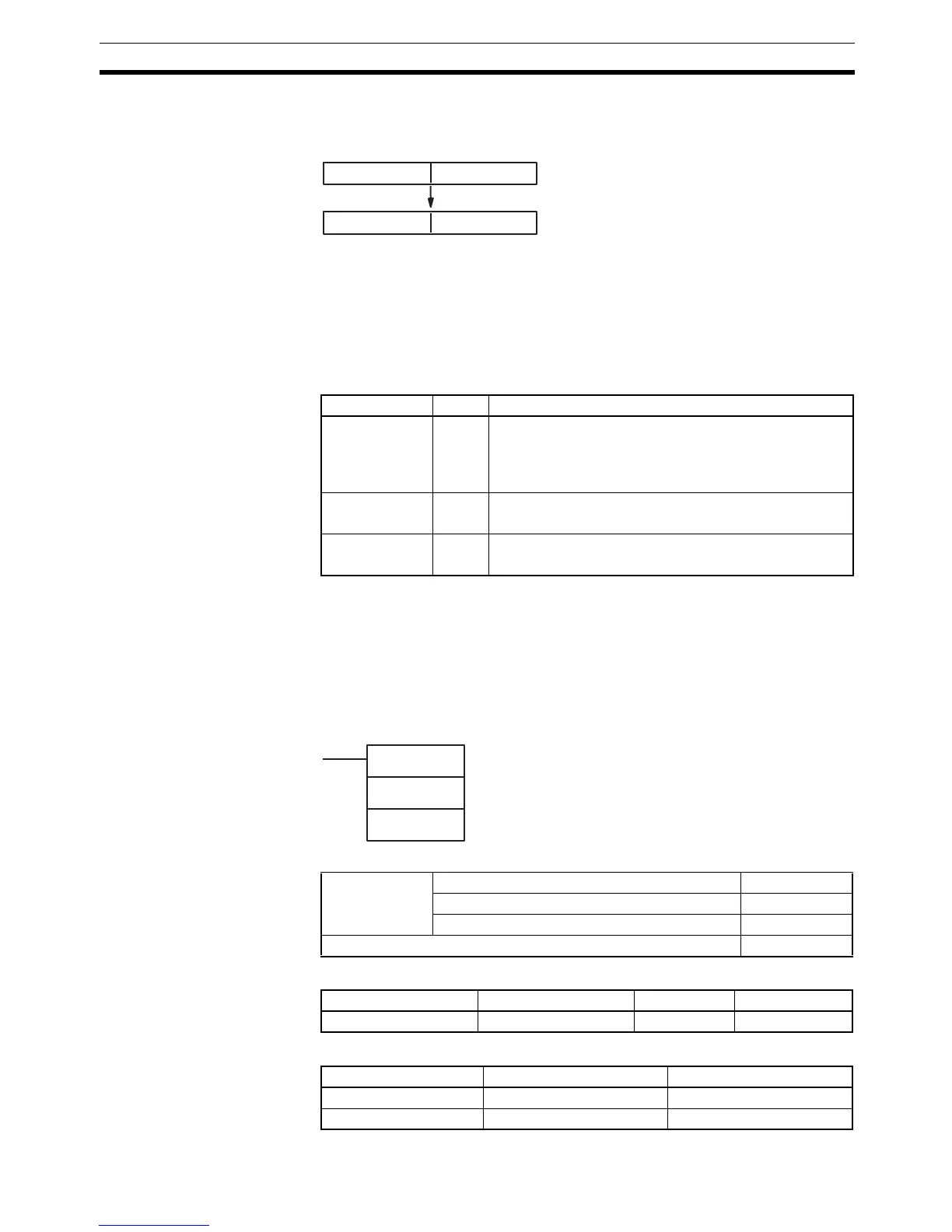
Description FIXL(451) converts the integer portion of the 32-bit floating-point number in
S+1 and S (IEEE754-format) to 32-bit signed binary data and places the
result in R+1 and R.
Only the integer portion of the floating-point data is converted, and the fraction
portion is truncated. (The integer portion of the floating-point data must be
within the range of –2,147,483,648 to 2,147,483,647.)
Example conversions:
A floating-point value of 2,147,483,640.5 is converted to 2,147,483,640.
A floating-point value of –214,748,340.5 is converted to –214,748,340.
Flags
Precautions The content of S+1 and S must be floating-point data and the integer portion
must be in the range of –2,147,483,648 to 2,147,483,647.
3-14-3 16-BIT TO FLOATING: FLT(452)
Purpose Converts a 16-bit signed binary value to 32-bit floating-point data and places
the result in the specified result words.
Ladder Symbol
Variations
Applicable Program Areas
Operand Specifications
S+1 S
R+1 R
Floating-point data (32 bits)
Signed binary data (32 bits)
Name Label Operation
Error Flag ER ON if the data in S+1 and S is not a number (NaN).
ON if the integer portion of S+1 and S is not within the
range of –2,147,483,648 to 2,147,483,647.
OFF in all other cases.
Equals Flag = ON if the result is 0000 0000.
OFF in all other cases.
Negative Flag N ON if bit 15 of R+1 is ON after execution.
OFF in all other cases.
FLT(452)
S
R
S: Source word
R: First result word
Variations Executed Each Cycle for ON Condition FLT(452)
Executed Once for Upward Differentiation @FLT(452)
Executed Once for Downward Differentiation Not supported.
Immediate Refreshing Specification Not supported.
Block program areas Step program areas Subroutines Interrupt tasks
OK OK OK OK
Area S R
CIO Area CIO 0 to CIO 6143 CIO 0 to CIO 6142
Work Area W0 to W511 W0 to W510



 To Next Page