837
Serial Communications Instructions Section 3-23
To ensure that RXDU(255) is not executed while the logical port is busy, pro-
gram the port’s Communications Port Enabled Flag (A202.00 to A202.07) as
a normally open condition.
RXDU(255) can not be executed while the Reception Completed Flag (bit 6 of
n+9 or n+19, where n = CIO 1500 + 25
× unit number) is ON. Program the
Reception Completed Flag as a normally open condition of RXDU(255).
An error will occur and the Error Flag will turn ON in the following cases.
• The Communications Port Enabled Flag for the specified logical port is
OFF when RXDU(255) is executed.
• The value of C is not within range.
• The value for N is not between 0000 and 0100 hex.
Read the data using RXDU(255) as soon as possible after the Reception
Completed Flag turns ON. If reception is continued without reading the data,
the reception buffer (capacity: 260 bytes) will overflow and data reception will
stop. If this occurs, the port will have to be restarted to recover operation.
The reception buffer is cleared when RXDU(255) is executed for a serial port
on the Serial Communications Unit. Thus, more than one RXDU(255) instruc-
tion cannot be used to read the data.
Related Flags and Words The following words are related to RXDU(255) operation.
DM Setup Area Settings
(m = D30000 + 100
× unit number)
CPU Unit
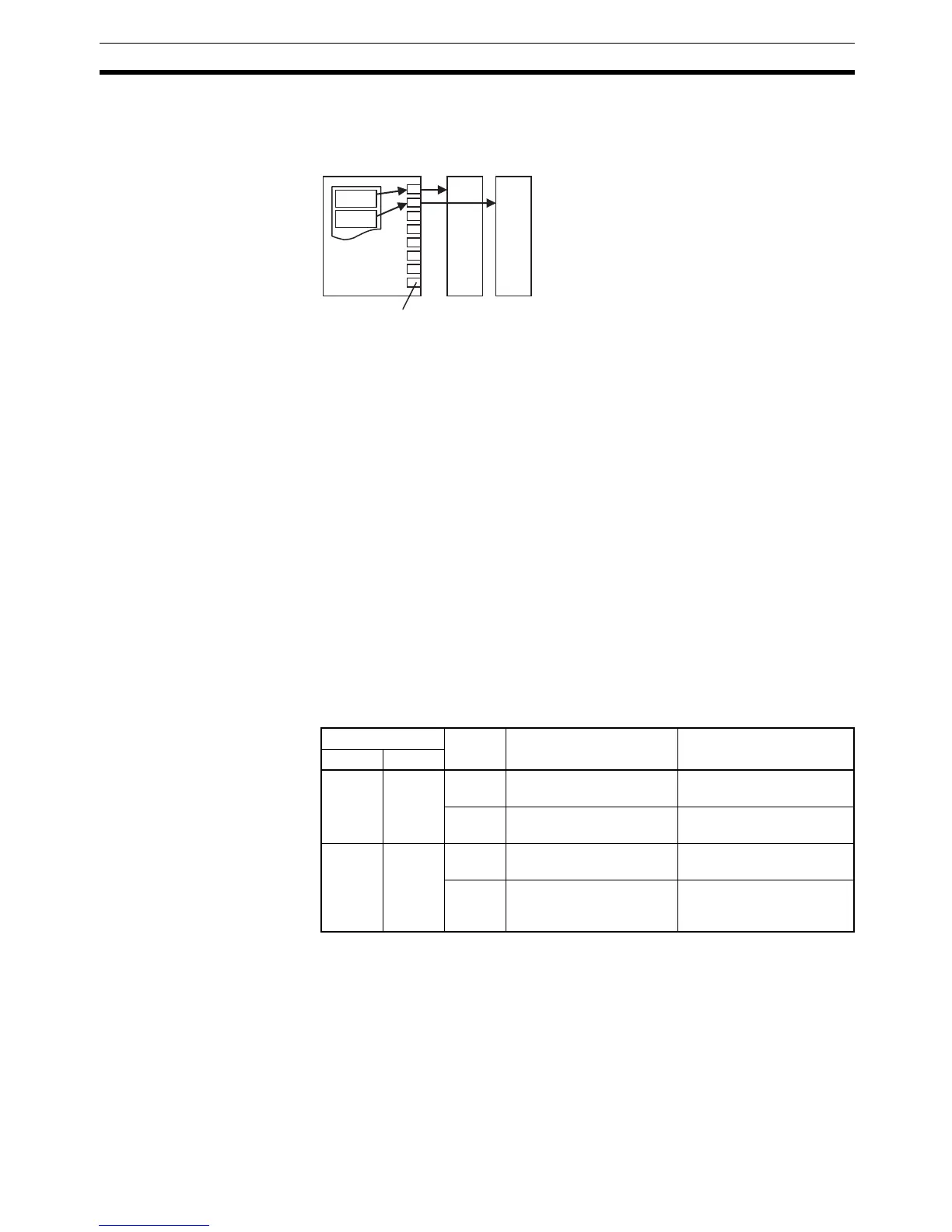
RXDU
RXDU
CJ-series Unit
Internal logic ports (8 ports)
Setup Area word Bit Name Settings
Port 1 Port 2
m+4 m+14 8 to 15 No-protocol Mode Start
Code
00 to FF hex
0 to 7 No-protocol Mode End
Code
00 to FF hex
m+5 m+15 12 to 15 No-protocol Mode Start
Code Specifier
0: None
1: Use start code.
8 to 11 No-protocol Mode End
Code Specifier
0: None
1: Use end code.
2: Use CR+LF.



 To Next Page