857
Network Instructions Section 3-24
Preventing Exceeding the Maximum Number of Communications Ports
If there is a possibility of executing more than eight communications instruc-
tions at the same time, use the following type of programming to confirm if a
communications port is available even when using automatically allocated
communications port numbers.
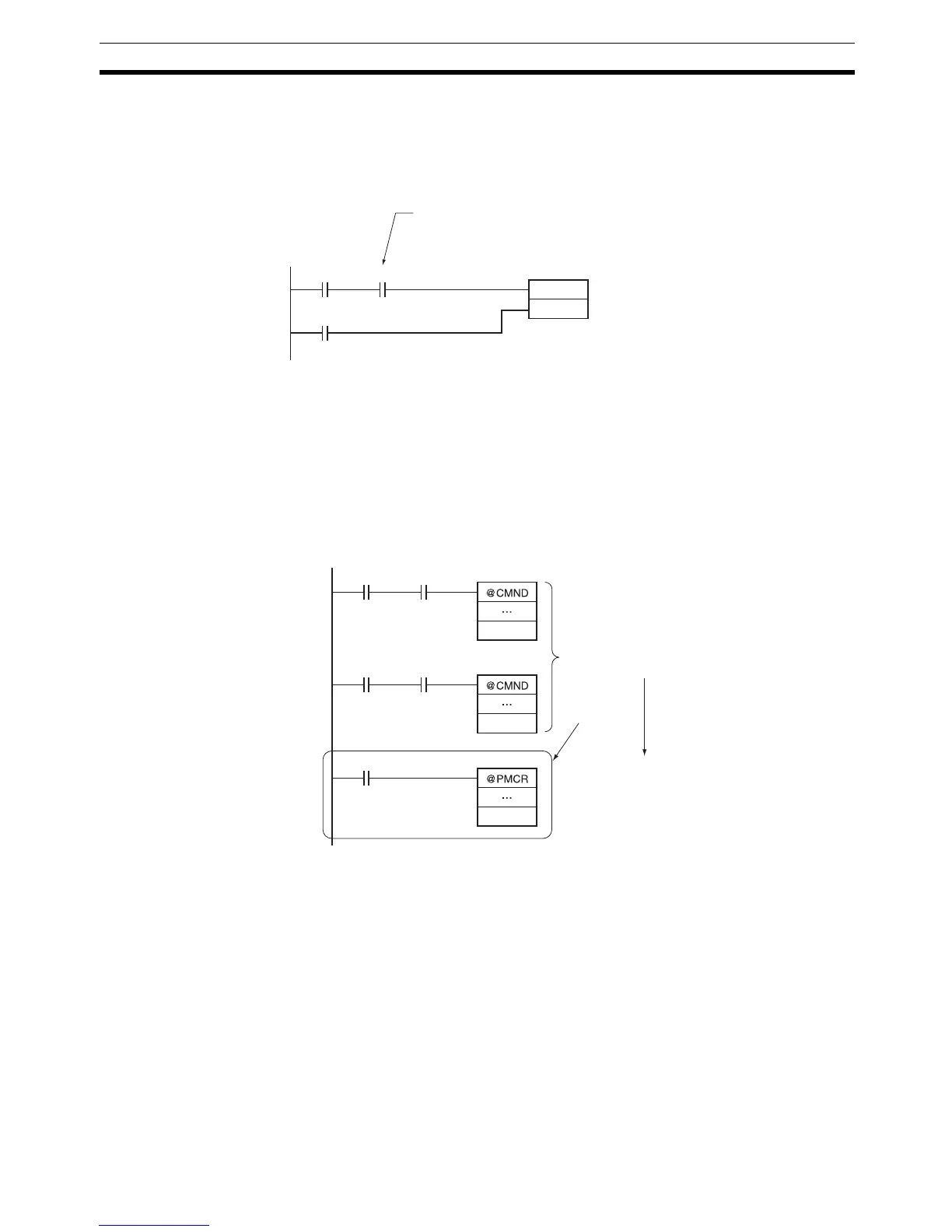
Combining Automatic Port Specification with User-specified Ports
Both user-specified communications port numbers and automatically speci-
fied communications port numbers can be used in the same program. It is
possible, however, that the communications port numbers specified by the
user will be used for automatic allocation. It is thus important to check the pro-
gram carefully when adding communications instructions that use automatic
communications port allocation to an existing program, as shown in the follow-
ing example.
Programming Example
Execution
condition
d (execution
completed)
A202.15
KEEP
a (executing)
Use the Network Communications Port Allocation Enabled Flag (A202.15)
and execute communications instructions only when automatic communications port
allocation is possible (i.e., only when a communications port is available).
A202.01
W0.00
A202.01
W0.01
Communications were previously enabled by
exclusively controlling operation using W0.00
and W0.01.
Automatic
port alloca-
tion was add-
ed to the pro-
gram.
This instruction may, at times, use
communications port 1. Even if W0.00 or
W0.01 is turned ON, A202.01 will be
turned OFF by execution of this
PMCR(260) instruction, so neither of the
CMND(490) instructions will be executed.
Port: 1
Port: 1
Port: F



 To Next Page