870
Network Instructions Section 3-24
It is necessary create a program at the host computer to receive the data and
send a response.
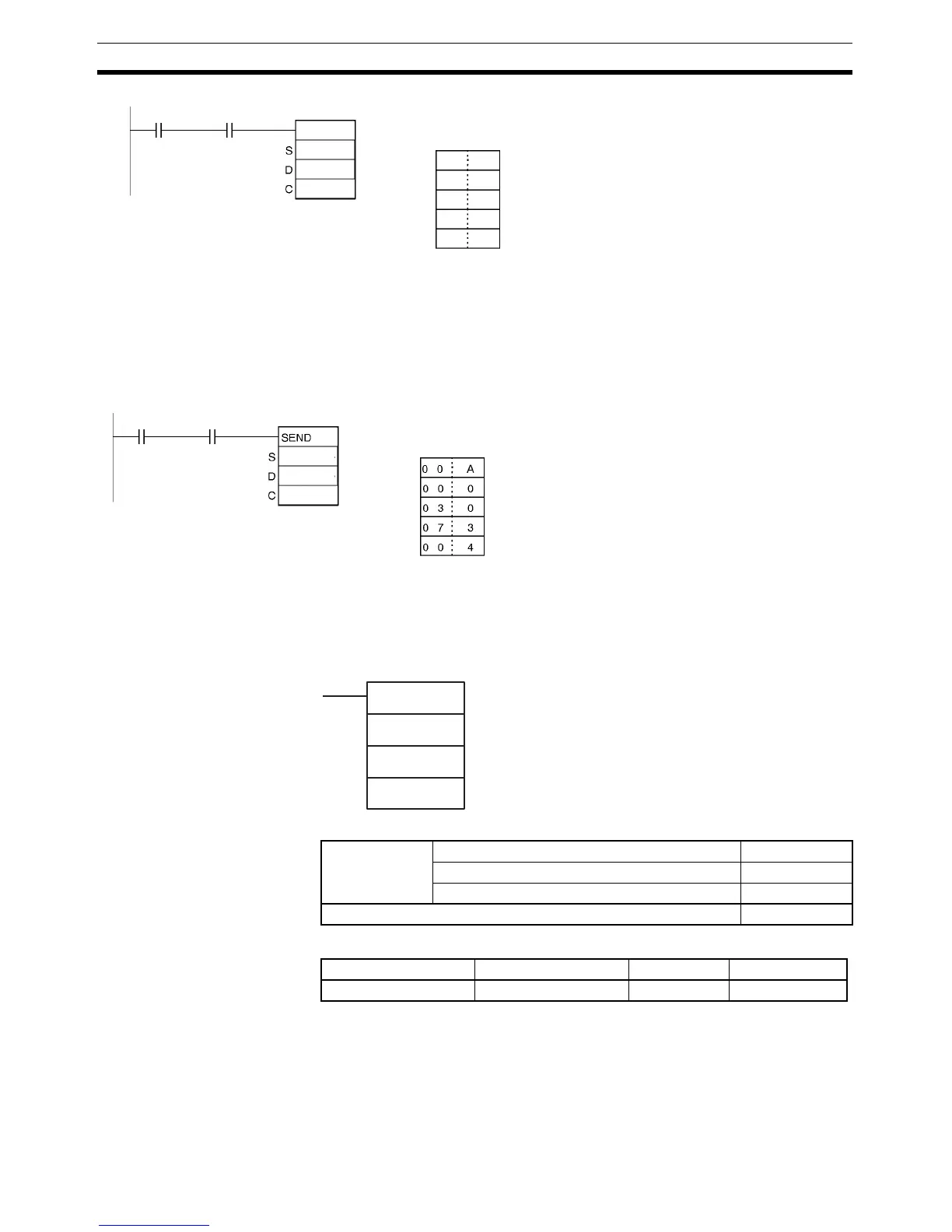
Example 2 When CIO 0.00 and A202.07 (the Communications Port Enabled Flag for port
07) are ON in the following example, the ten words from D100 to D109 are
transmitted to node number 3 in the local network where they are written to
the ten words from D200 to D209. The data will be retransmitted up to 3 times
if a response is not received within ten seconds.
3-24-4 NETWORK RECEIVE: RECV(098)
Purpose Requests data to be transmitted from a node in the network and receives the
data.
Ladder Symbol
Variations
Applicable Program Areas
@SEND
100
0
D200
C D200 0 0 0 A
C+1 D201 0 1 0 0
C+2 D202 0 0 1 0
C+3 D203 0 0 0 0
C+4 D204 0 0 0 0
A202.00
Input
condition
Number of words to send: 10 words
Transmit to network 0 and port 1 of Serial Communications Unit
Node number 0, unit address 10
Response requested, port number 0, no retries
Response monitoring time: 2 seconds (0000: default value)
0
0
0
0
6
0.00 A202.07
D100
D200
D300
C: D300
C+1: D301
C+2: D302
C+3: D303
C+4: D304
Number of words to send: 10 words
Node number 3, unit address 00 (CPU Unit)
Response requested, port number 7, 3 retries
Response monitoring time: 0064 hexadecimal (10 seconds)
Transmit to the local network and the device itself
RECV(098)
S
D
C
S: First source word (remote node)
D: First destination word (local node)
C: First control word
Variations Executed Each Cycle for ON Condition RECV(098)
Executed Once for Upward Differentiation @RECV(098)
Executed Once for Downward Differentiation Not supported
Immediate Refreshing Specification Not supported
Block program areas Step program areas Subroutines Interrupt tasks
OK OK OK OK



 To Next Page