963
Other Instructions Section 3-29
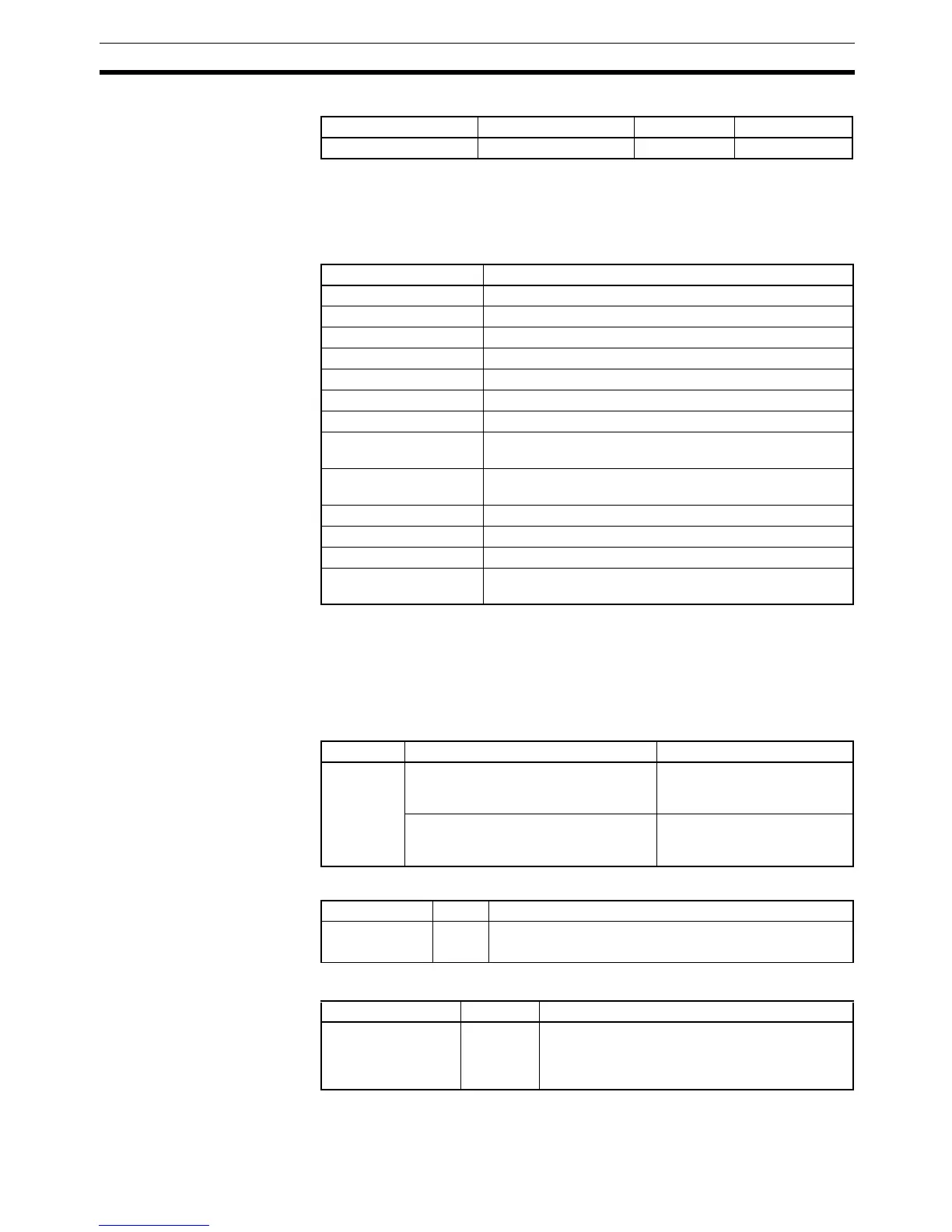
Applicable Program Areas
Operands T: Timer Setting
Specifies the watchdog timer setting between 0000 and 0F9F hexadecimal or
between &0000 and &3999 decimal.
Operand Specifications
Description WDT(094) extends the maximum cycle time for the cycle in which this instruc-
tion is executed. The watchdog timer setting in the PLC Setup is extended by
an interval of T
× 10 ms (0 to 39,990 ms).
The following table shows the watchdog timer settings in the PLC Setup. The
default value for the maximum cycle time is 1,000 ms, although it can be set
anywhere from 1 to 40,000 ms in 10-ms units.
Flags
The following table shows relevant flags and words in the Auxiliary Area.
Block program areas Step program areas Subroutines Interrupt tasks
OK OK OK OK
Area T
CIO Area ---
Work Area ---
Holding Bit Area ---
Auxiliary Bit Area ---
Timer Area ---
Counter Area ---
DM Area ---
Indirect DM addresses
in binary
---
Indirect DM addresses
in BCD
---
Constants 0000 to 0F9F (binary)
Data Registers ---
Index Registers ---
Indirect addressing
using Index Registers
---
Name Function Settings
Watch cycle
time
A Cycle Time Too Long error (fatal
error) will be registered if the cycle time
exceeds the maximum setting.
0: Default setting (1,000 ms)
1: User time setting
Sets the maximum cycle time.
(This setting is valid only when the first
setting has been set to 1.)
0001 to 0FA0
(10 to 40,000 ms, 10-ms units)
Name Label Operation
Error Flag ER ON if the watchdog timer setting exceeds 40 seconds.
OFF in all other cases.
Name Address Operation
Cycle Time Too Long
Flag
A401.08 ON when the present cycle time exceeds the
maximum cycle time (watch cycle time) set in the
PLC Setup. This is a fatal error which causes pro-
gram execution to stop.



 To Next Page