Operation
Version 1.0.4 - 2020-08-04 35Translation of original instruction
MT60 EN
MT60_GB_4.fm
4.10.3 Switching on the rapid taverse
ATTENTION!
The rapid traverse is used exclusively to reach a position quick. The rapid traverse must
not be used as milling feed.
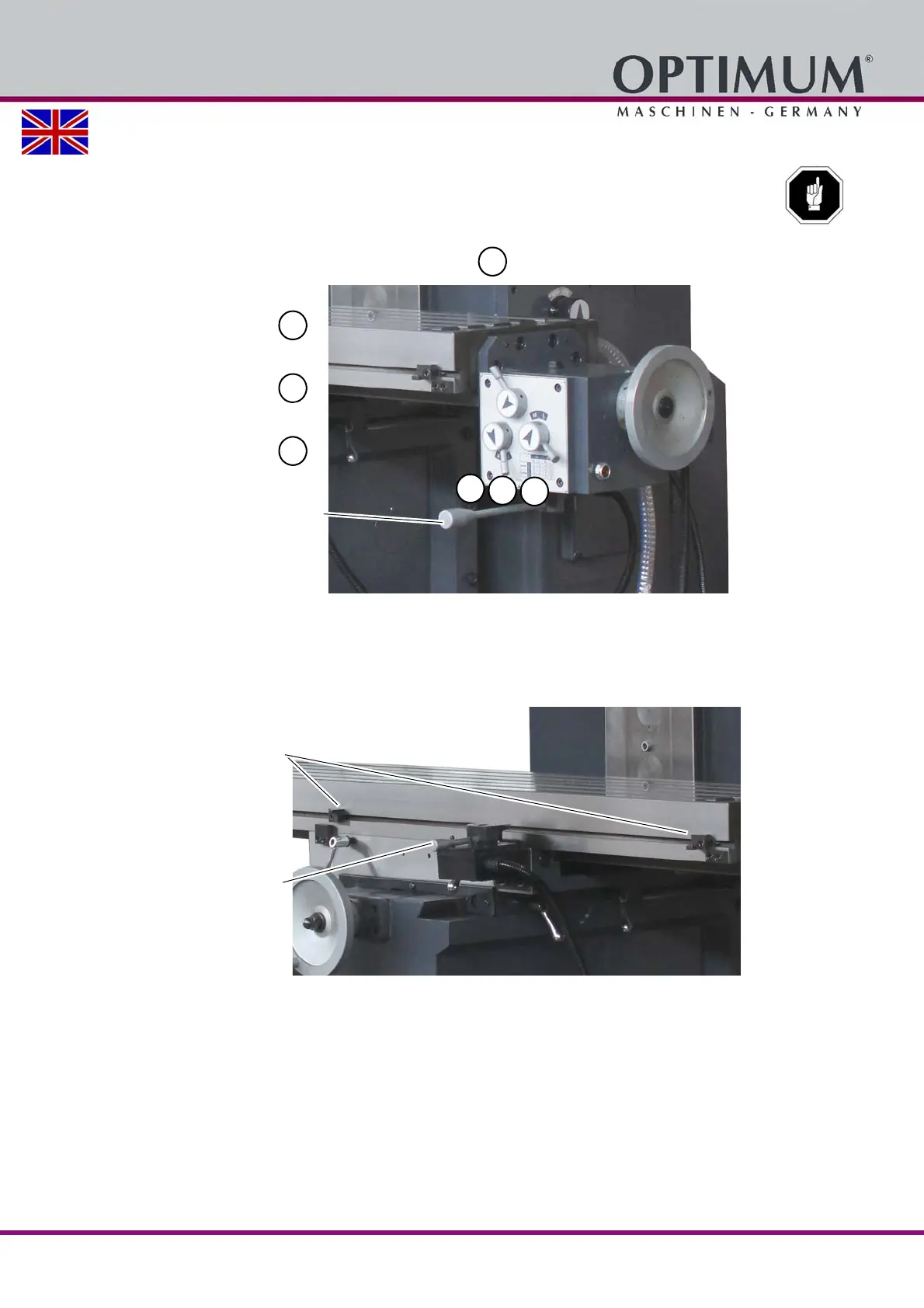
Set the selection lever for the table feed into the position.
Img.4-7: Selector lever
Loosen clamping lever on the cross table.
In this context, absolutely pay attention that the clamping nuts of the adjustable end stop
switch are well tightened.
Turn the direction lever for table feed motion (X axis) to the required feed direction.
Img.4-8: Direction lever
In order to switch off the rapid traverse, turn the direction lever for table feed motion to the
neutral position.
"Rapid traverse" position
Neutral position
"Milling feed" position
Selection lever
Mechanical end position stop
Direction lever















 To Next Page