Operation
Version 1.0.4 - 2020-08-04 39Translation of original instruction
DPA21 EN
DPA21_GB_3.fm
5 Operation
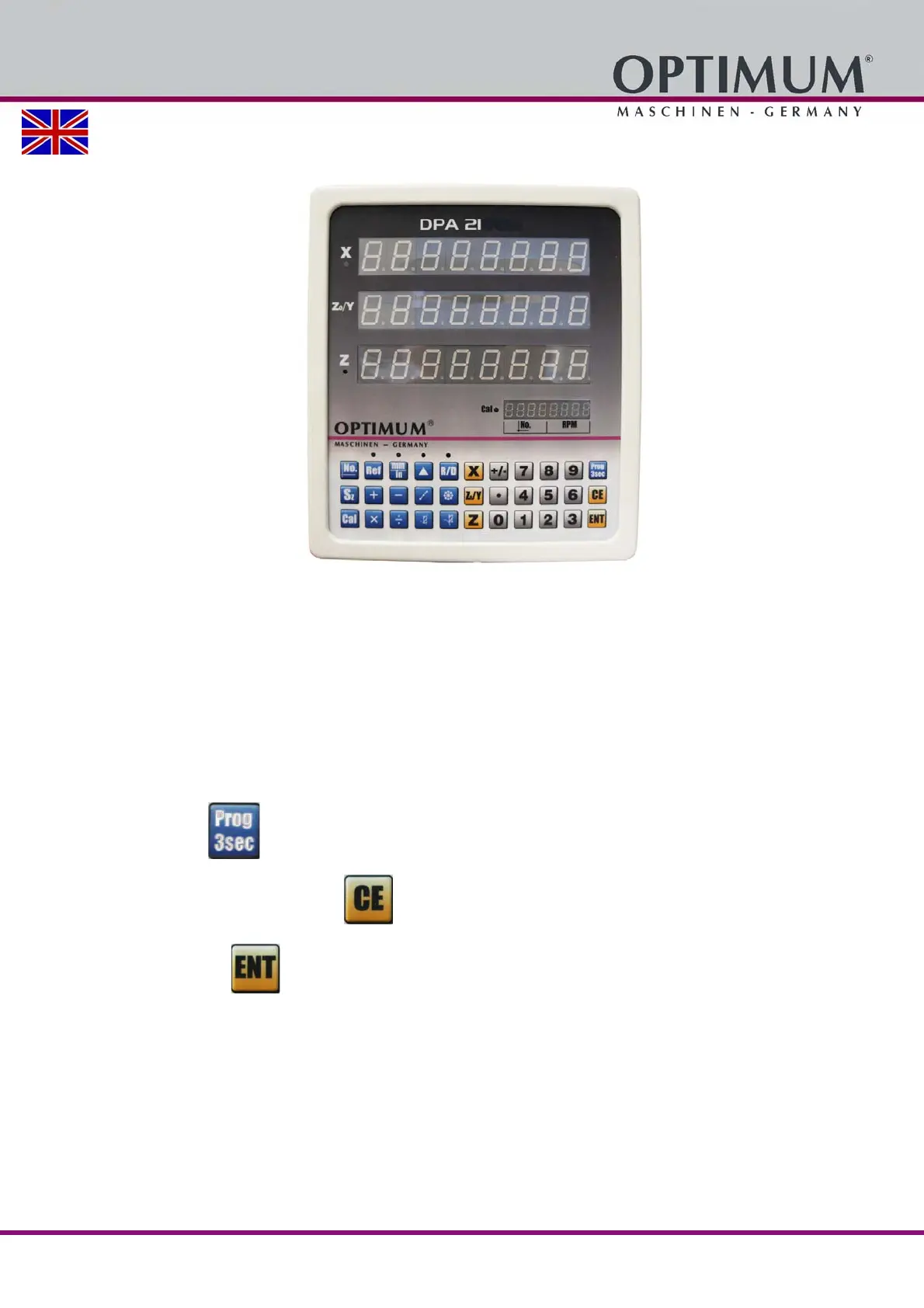
When the device is switched on, the digital position indicator starts a self-check.
After the self-check is completed, the position indicator changes to the normal indicator status.
The digital position indicator displays the last data before it is switched off.
The selected coordinates and the selected tool.
The metric or Anglo-American measurement system.
The last displayed values.
5.1 Parameter Settings
Press the key for 3 seconds until the X-axis display shows P-10.
To cancel an entry, press the button.
Press button to save an input.















 To Next Page