Operation
Version 1.0.4 - 2020-08-04 45Translation of original instruction
DPA21 EN
DPA21_GB_3.fm
5.5 Calculator function
Add, subtract, multiply and divide.
Press button to start the calculator. The LED lights up.
The number field of the rotation speed indicator is used as the input- and result field.
To exit from the Calculator function, press the button.
Keys
to add. to subtract. to multiply.
to divide.
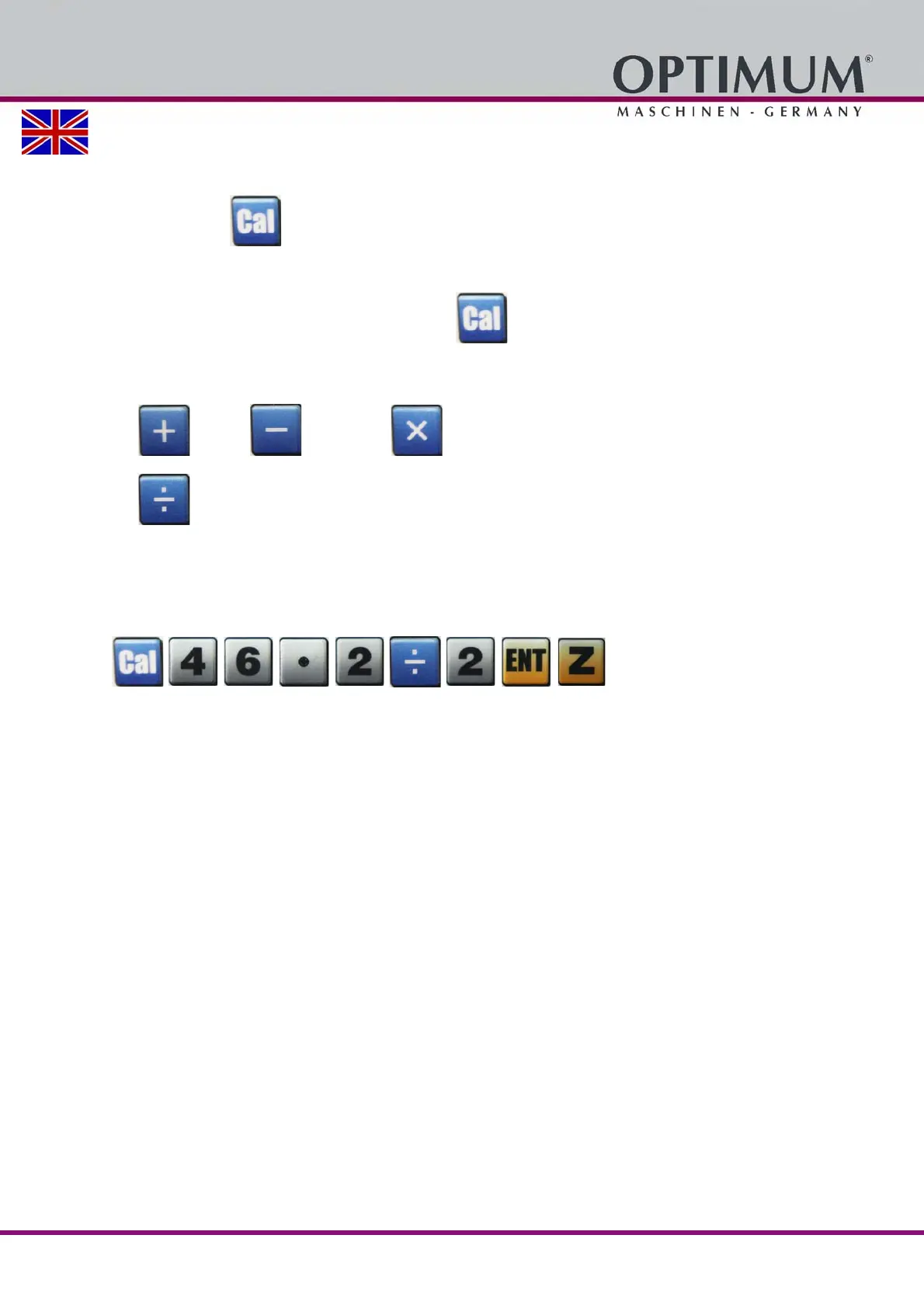
Example:
Press the following keys in the order shown in order to divide the number 46.2 by 2, and trans-
fer the result to the Z-axis.















 To Next Page