Operation
Version 1.0.4 - 2020-08-0442 Translation of original instruction
DPA21
EN
DPA21_GB_3.fm
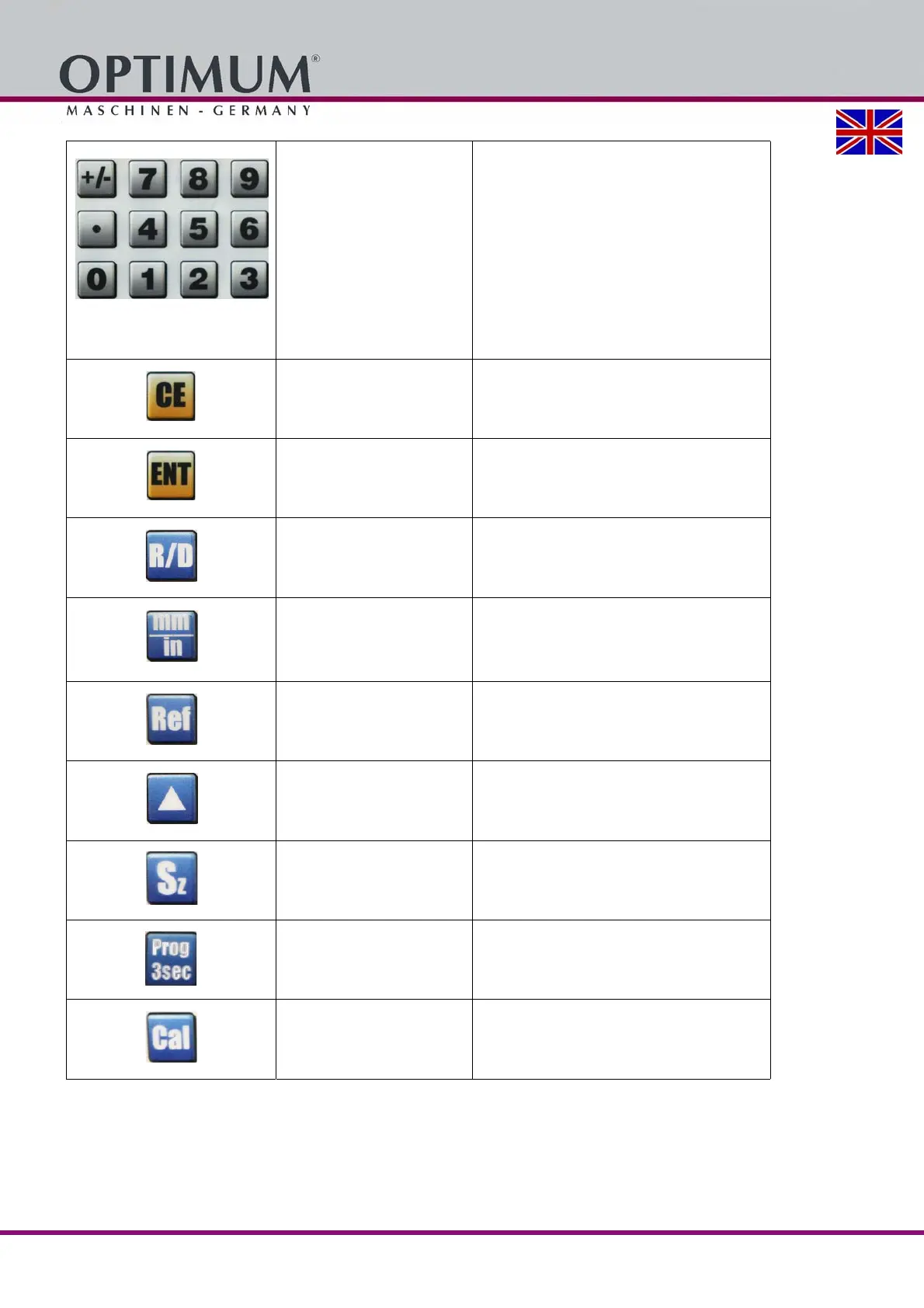
Plus and minus signs with
numerical keys and decimal
point
For input of negative or positive signs
For numeric entry
For input of decimal places; decimal point
Delete key
To clear displayed value of a specific axis or
to jump back to coordinate points.
Enter key To confirm the data input
Radius or
Diameter
X-axis display when used on lathes
Shift key
Metric / inches
Display of values
• in the metric system
• in the Anglo-American measurement sys-
tem
Reference marker function
for setting relative coordinates
Reference marker function on page 44
Machine zero point
for setting an
absolute zero-point in the coordinate system
Machine zero point function on page 44
Z+Z0 key (3 axes)
For display of the Z+Z0 value
Z and Z0 are added
Programming key
For internal parameter settings
Parameter Settings on page 39
The calculator function key
Calculator function on page 45















 To Next Page